
Choose the seed method by access level
If you own the world, the seed is usually available through a command, settings screen, or world data. If you do not own the world, the correct first step is to ask the owner.
For single-player Java worlds, open the world, run /seed if commands are enabled, or inspect the local save with a trusted NBT tool. For Bedrock worlds, use world settings or a local export where the platform allows it. For a server, the owner or an operator can use console access, /seed, or the active world folder.
A website cannot reveal a private server seed from an IP address alone. A Java client mod such as SeedCrackerX may help only when the server is Java Edition, the version and observations fit the mod, and the owner permits that use. That is why this page routes broad searches like how to find minecraft seed to the right next method instead of pretending every case has the same answer.
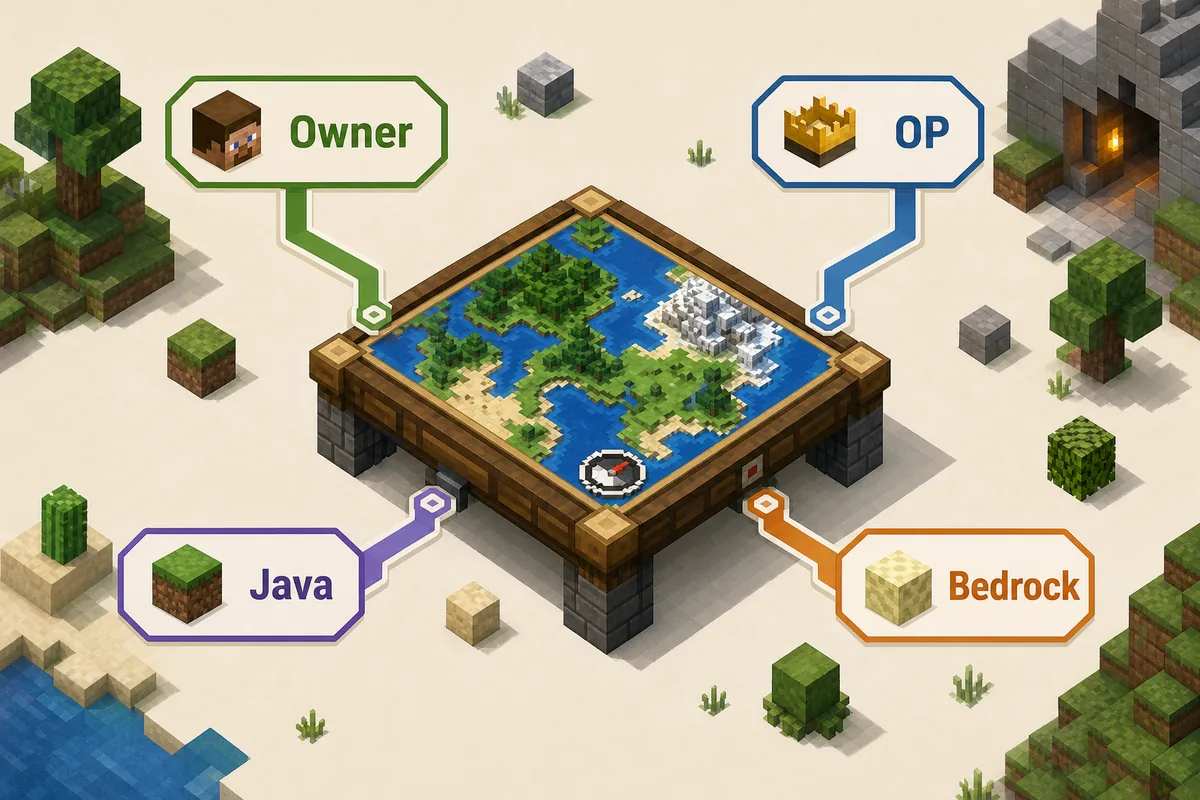
Minecraft seed methods compared
Start with the method that uses your legitimate access and exposes the fewest risks.
| Situation | Best method | Works for | Limit |
|---|---|---|---|
| Your own Java world | /seed or local level.dat | Java single-player | Commands or file access may be needed |
| Your own Bedrock world | World settings or exported world copy | Bedrock single-player | Console/mobile export options vary |
| Java server owner | Console command or active world files | Java servers | Check the backend world, not a lobby |
| Realm owner | Download the Realm world, then inspect locally | Java or Bedrock Realms | Members do not get owner controls |
| Regular player with permission | Ask staff, then use a permitted Java workflow if needed | Mostly Java | Version-specific and not instant |
| Regular player without permission | Do not attempt recovery | Any server | Respect rules and private world data |
How to find the seed in your own Minecraft world
Owner methods are more reliable than downloads, mirrors, or seed-cracking claims because they read the world you actually control.
Java command. In a Java world or authorized server console, run /seed and copy the complete signed number. The Minecraft Wiki seed command reference is a useful way to confirm command behavior and permission expectations.
World file. If commands are disabled or you manage the server files, back up the active world and inspect level.dat with a trusted NBT viewer. Confirm the world folder named by level-name; networks often keep old survival worlds, lobbies, minigames, or backups with similar names.
Bedrock settings or export. Bedrock owners should use the world settings screen where available, or export/download the world and open it locally. Do not install a Java Fabric JAR into Bedrock, console, or mobile clients. It will not become a Bedrock seed tool.
Realm download. A Realm owner can download the current world through Realm management. A normal Realm member should request the seed or a public copy from the owner rather than looking for a bypass.
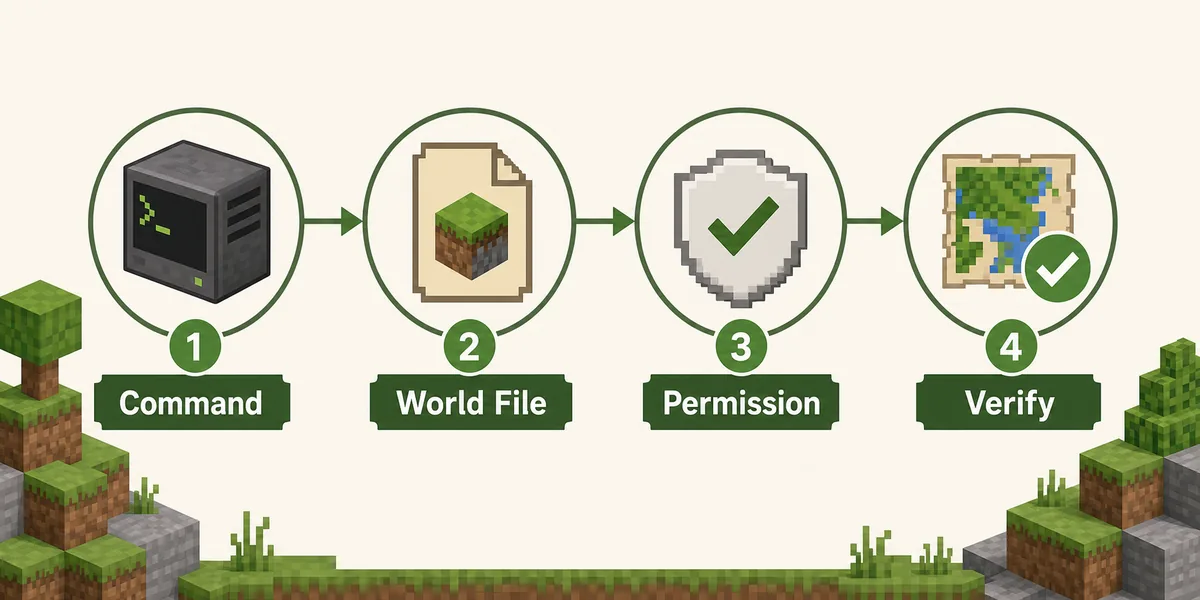
How to find the seed of a Minecraft server
Server seed searches are permission questions before they are technical questions.
If you have OP or owner access, use /seed, the console, or the active world files. If you are a regular player, ask staff and explain the reason: recreating a build, verifying a public event world, studying terrain, or recovering a community map. Many owners will share a seed privately when the request is reasonable and does not expose hidden bases or economy information.
If the owner explicitly allows technical recovery on a Java server, use the dedicated Minecraft server seed guide. That page separates owner, OP, Realm, and permitted regular-player methods. It also explains why browser tools cannot read a remote world and why a partial world download is not the same as the original authoritative server folder.
Avoid pages that promise an instant seed from a server IP, a universal no-OP hack, or a single file that works across Java, Bedrock, Forge, NeoForge, mobile, and console. Those claims mix incompatible platforms and usually skip the permission boundary.
When SeedCrackerX is the right tool
SeedCrackerX belongs to a specific case: authorized Minecraft Java Edition recovery from observed world-generation evidence.
Use SeedCrackerX when the world is Java Edition, you have permission, the Minecraft version is known, and you can collect supported structures or other observations. Install only an official Fabric build from the 19MisterX98 GitHub releases or from this site’s version finder, which redirects to those release assets instead of hosting JAR files.
The official release check for this site was refreshed on October 14, 2026. The newest published asset remains seedcrackerX-2.16.2.jar, a prerelease for Minecraft 26.3 published September 29, 2026, while the newest numbered stable release remains seedcrackerX-2.16.0.jar for Minecraft 26.1 through 26.1.2. Latest does not mean correct for every world.
After installing, choose the matching Minecraft version, collect distinct supported structures, inspect progress with the SeedCrackerX command finder, and use the structure bit calculator only as a planning aid. The installed mod’s data output remains the authoritative progress signal.
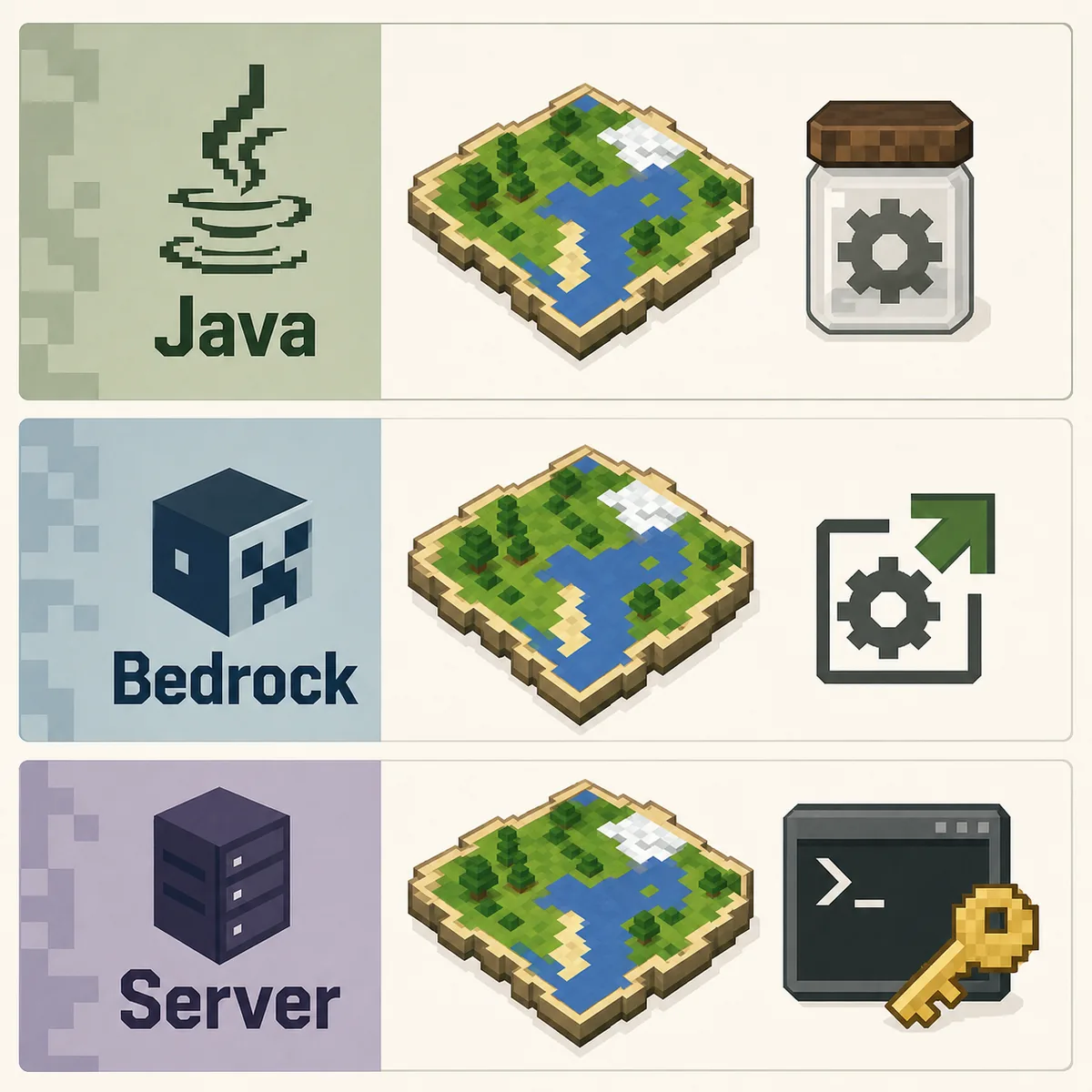
Java, Bedrock, and server methods are different
The same word “seed” appears in every edition, but the recovery path changes by platform and authority.
Java Edition supports client-side Fabric mods, local NBT inspection, and the familiar /seed command in permitted contexts. Bedrock Edition has a different runtime and packaging model, so Java recovery instructions and JAR downloads do not transfer to Bedrock, console, or mobile environments.
A known seed can still be useful across planning tools, but verification must match edition and version. The same numeric seed does not guarantee identical terrain or structure placement between Java and Bedrock, and even within one edition, version changes or experimental world generation can affect results.
If your actual question is Bedrock-specific, use the Minecraft Bedrock seed cracker limits guide. If your question is source safety, use the seed cracker mod safety guide before installing anything.
What to do after you find the seed
A seed number without context is easy to misuse or misread.
Record the signed seed exactly, including a leading minus sign. Add the edition, Minecraft version, world name, generator settings, check date, and where the number came from. If the world is public, document whether the owner approved sharing the seed.
Create a local test world in the same version and compare several known landmarks or structures before relying on a seed map. One matching feature is not enough when chunks may have been generated in different versions, restored from backups, or altered by datapacks and custom generators.
Keep private server seeds private unless the owner allows publication. A seed can reveal exploration routes, unlooted structures, hidden bases, planned events, and economy-sensitive resources. Treat it as world data, not as trivia.
| Check | Why it matters | What to record |
|---|---|---|
| Edition | Java and Bedrock can generate differently | Java or Bedrock plus platform |
| Version | Generation rules change over time | Exact Minecraft version and date |
| Source | Prevents old backups from being mistaken for live worlds | Command, settings, Realm export, or file path |
| Permission | Private server seeds can affect other players | Owner approval or public-use scope |