
Choose the method that matches your access
If you own the server, the seed is usually one command away. If you are a player without OP, the honest first step is to ask the owner; technical recovery is slower, Java-only, version-sensitive, and appropriate only when the server permits it.
Use /seed in chat when you have permission, or enter seed in the server console as an owner. If commands are restricted, download the active world and inspect its level.dat file with a trusted NBT viewer. The level-seed field in server.properties is only useful when an explicit seed was entered before generation; an empty field does not mean the world has no seed.
A regular player cannot reliably reveal a remote seed with a browser tool. On an authorized Minecraft Java server, SeedCrackerX can recover a seed from observed world-generation constraints, but it is not a shortcut, a Bedrock add-on, or permission to ignore server policy.
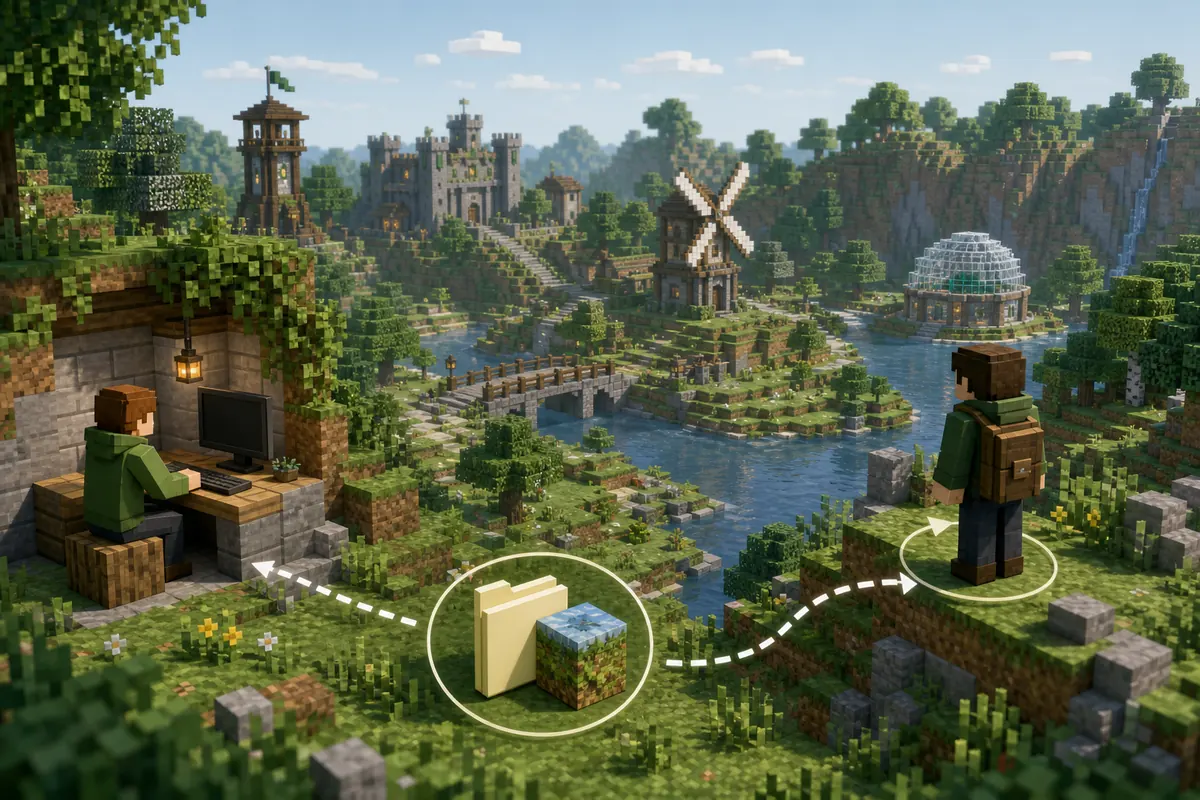
Minecraft server seed methods compared
Start with the least invasive method. The fastest option is also the one that requires the clearest authority.
| Your access | Best method | Edition | What to expect |
|---|---|---|---|
| Server owner or panel access | Console command or level.dat | Java or Bedrock | Usually immediate; verify the active world folder |
| Operator permission | Run /seed | Mostly Java; server settings vary | Immediate when the command is allowed |
| Realm owner | Download the Realm world, then inspect locally | Java or Bedrock | Uses the owner's built-in world management access |
| Regular player, owner will share | Ask the owner or staff | Any | Fastest and avoids false results |
| Regular player with explicit technical permission | Version-matched Java recovery workflow | Java only | Requires structures, biomes, correct mod settings, and time |
| Regular player without permission | Do not attempt recovery | Any | Respect rules and use a public seed instead |
How owners and operators can find the seed
Owners should use authoritative server data before considering mods or third-party tools.
Method 1: use the command. In Java Edition, an authorized operator can run /seed in chat. A server owner can usually enter seed in the hosting panel console without joining the game. Mojang documents the seed command and its permission behavior. Copy the signed integer exactly, including a leading minus sign.
Method 2: inspect the active world. Stop the server or make a consistent backup, download the folder named by level-name, and read the world seed stored in level.dat with a reputable NBT tool. Confirm that you opened the active overworld folder rather than an old backup, a lobby world, or a plugin-managed secondary world.
Method 3: check setup records. If the owner explicitly set level-seed before the first generation, that value may remain in the panel template, deployment configuration, or backup notes. Do not assume a blank server.properties value is the current seed: Minecraft generates a random seed when the field is blank and stores the resulting world data elsewhere.
Method 4: download a Realm. The Realm owner can download the current world through Realm settings and open the local copy. A member who is not the owner does not gain this access merely by joining the Realm.
- Back up the world before opening files with external tools.
- Check the server's Minecraft version and active world name before recording the result.
- If a network uses multiple worlds, repeat the check for the specific world you mean.
Can you find a Minecraft server seed without OP?
Sometimes, but not through a guaranteed command or website. Permission, edition, version, and available observations all matter.
Ask the owner first and explain why you need the seed, such as recreating a build in single-player, planning a community event, or reporting a world-generation problem. An owner may share it privately, publish a seed map, or provide a copy of the world without exposing administrative access.
If staff explicitly allows technical recovery on a Java server, document that permission and use a client build that exactly matches the world-generation version. SeedCrackerX observes client-received chunk information and recognized structures; it does not query a magical seed database or read the server filesystem. Servers can prohibit the mod, hide useful observations, generate mixed-version chunks, or use custom world generation that invalidates assumptions.
World downloader mods are a different category. They may save client-visible chunks but do not automatically produce the original seed, and their use can also violate server rules. A downloaded area is not equivalent to the complete authoritative world folder. Do not treat a partial copy as proof that a recovered seed is correct.
How SeedCrackerX recovers a Java world seed
The mod reduces candidates from repeatable world-generation evidence; it needs the correct game version and enough independent information.
First, use the verified SeedCrackerX version finder and install the official Fabric build for the same Minecraft release as the server's generated chunks. The official project currently publishes files through the 19MisterX98 GitHub releases; this site does not mirror JARs.
Next, configure the world version and supported finders, explore distinct generated structures, and inspect progress with the current SeedCrackerX commands. Modern versions commonly need both regular structure information and enough liftable information before upper-bit recovery can finish. The structure bit calculator is a planning aid, while the in-game data output remains authoritative.
Finally, verify the result instead of trusting the first number. Test several known structures in a clean local world created with the same Minecraft version. A correct seed can still look different across versions, custom generators, datapacks, or chunks created before a server upgrade.

Java, Bedrock, and Realms are not interchangeable
A method that works on a Fabric-enabled Java client cannot simply be copied to Bedrock, consoles, or mobile devices.
SeedCrackerX is an official Fabric-targeted client mod for Minecraft Java Edition. Bedrock Edition does not load Fabric JAR files, so a page or download claiming to convert SeedCrackerX into a Bedrock add-on should not be treated as an official release. Bedrock owners should use their world settings, Realm download controls, or exported world data rather than a Java mod workflow.
A Java and Bedrock world can accept the same numeric seed, yet structures and terrain may not match exactly because the editions and versions use different generation rules. Always label a seed with its edition and Minecraft version. For Realms, the owner has world download controls; ordinary members should request the seed from the owner.
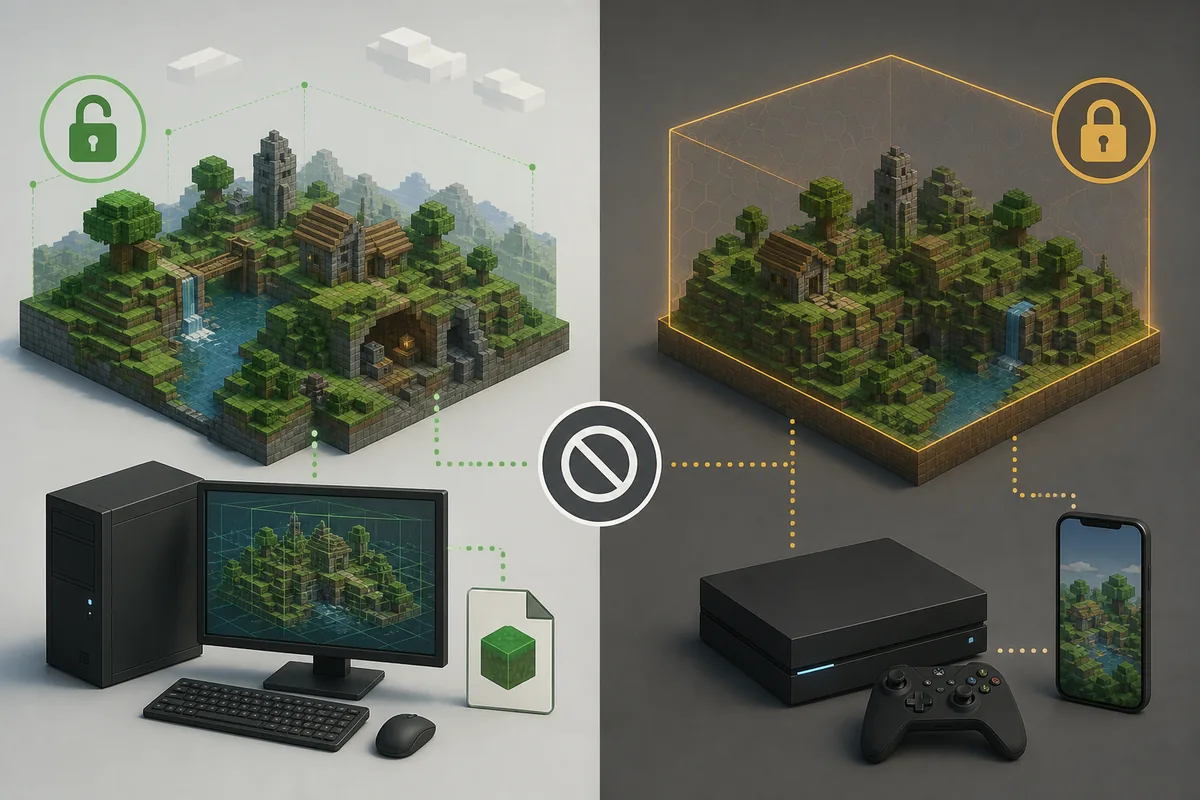
Why a seed method may fail or return the wrong world
Most failures come from permissions, the wrong world, or version context rather than a missing seed.
A command that returns an unknown-command or permission error is not evidence that the world has no seed. Confirm operator level, plugin command overrides, console syntax, and whether the network proxy forwards you to a lobby instead of the survival server. Owners should run the command against the backend that hosts the target world.
If file inspection and the visible terrain disagree, check level-name, dimension folders, backups, world-manager plugins, and the timestamp of the copy. A server may retain several worlds with similar names. Opening an outdated level.dat is a common source of a plausible but wrong number.
If a recovered Java seed matches some structures but not others, investigate mixed-version chunks, custom generators, datapacks, false structure detections, and restored observations. Clear uncertain data rather than adding more evidence from incompatible regions.
| Symptom | Likely cause | Next check |
|---|---|---|
/seed is denied | Insufficient permission or plugin override | Ask staff or use the owner console |
level-seed is blank | Random seed was used at creation | Read the active world's level.dat |
| Seed matches old terrain only | Chunks span different versions | Test coordinates in chunks generated under the same version |
| Recovery never completes | Too little independent data or wrong finders | Check data bits, version settings, and supported observations |
| Bedrock client cannot install the JAR | Fabric JARs are Java-only | Use owner settings or a world export |
What to do after you obtain the server seed
Record context with the number so that future checks remain reproducible.
Save the signed seed, edition, exact Minecraft version, world name, and date. Test two or three known landmarks in a new local world before using a seed-map service. A map tool can help locate expected biomes or structures after you already know the seed, but it does not prove which seed a remote server uses.
Do not publish a private server seed without the owner's approval. Public disclosure can affect exploration, competitive play, hidden bases, economy balance, and event design. If the owner grants limited use, keep the seed and any generated maps within that scope.
- Keep the leading minus sign if the seed is negative.
- Label Java versus Bedrock and the generation version.
- Verify known coordinates before planning distant travel.
- Recheck after a world reset or generator change.