
Can Anti-Xray interfere with SeedCrackerX?
Sometimes. The important distinction is between a server's block-obfuscation policy and SeedCrackerX's client-side recovery logic.
If Anti-Xray sends hidden, delayed, or placeholder blocks, a finder may see an incomplete dungeon floor or fail to accept a structure that looks correct from the outside. That can leave the progress display unchanged, produce a false-looking candidate, or make a scan appear to work only after the relevant blocks arrive. The same symptoms can also come from a wrong Minecraft version, unloaded chunks, a damaged structure, duplicate data, or custom world generation, so Anti-Xray is a hypothesis to test rather than an automatic diagnosis.
The official SeedCrackerX source contains an antiXrayBypass setting that defaults to enabled in the current source tree. When the dungeon check looks suspicious, the mod queues block actions, waits for the server to send updated blocks, and checks the floor again. That explains why a result may appear after a delay. It does not mean the client can force a server to reveal data, and it does not mean a server's anti-cheat will ignore the requests.
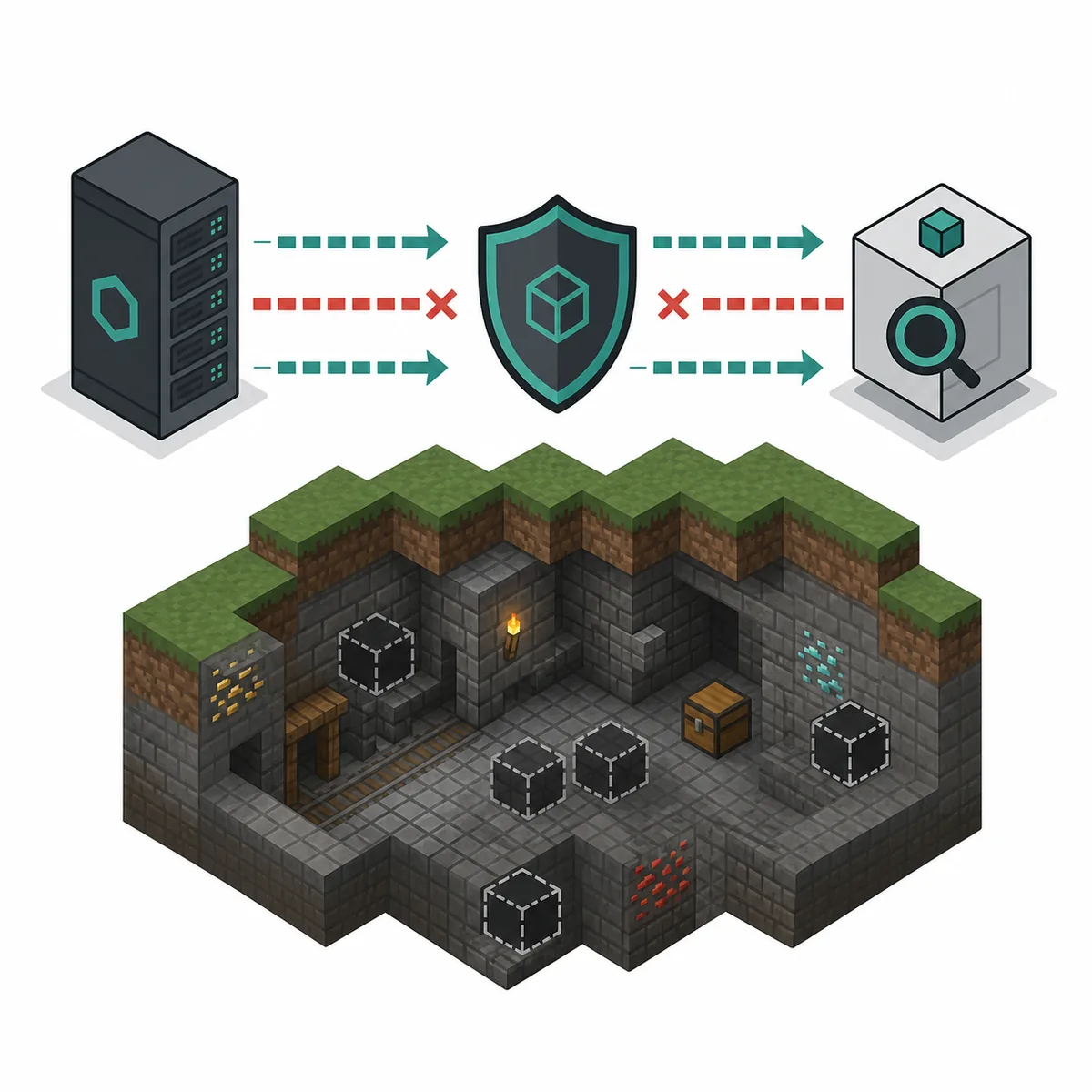
What SeedCrackerX's Anti-Xray setting actually does
It is a narrow block-update request path, not a universal Anti-Xray remover or an x-ray texture mode.
In the current official source, the configuration stores antiXrayBypass as a boolean and the configuration screen exposes an Anti Xray Mode toggle. The dungeon finder first looks for an unusual floor pattern. If that pattern suggests the server is hiding the blocks below a structure, the finder schedules a block-update operation and performs another floor check after the server has had time to respond.
The implementation uses player-action packets for selected floor positions. That is why the setting can improve detection on some servers while also creating a request pattern that a sensitive anti-cheat or server log may notice. The official English language resource warns that the behavior may trigger highly sensitive anti-cheats and does not promise that kicks or bans are impossible. Treat that warning as a real compatibility limit, not as a claim that every server will react the same way.
For the exact implementation, compare the official Config.java, the DungeonFinder.java, the BlockUpdateQueue.java, and the official English settings text. The source is more precise than a generic statement that Anti-Xray simply breaks the mod.
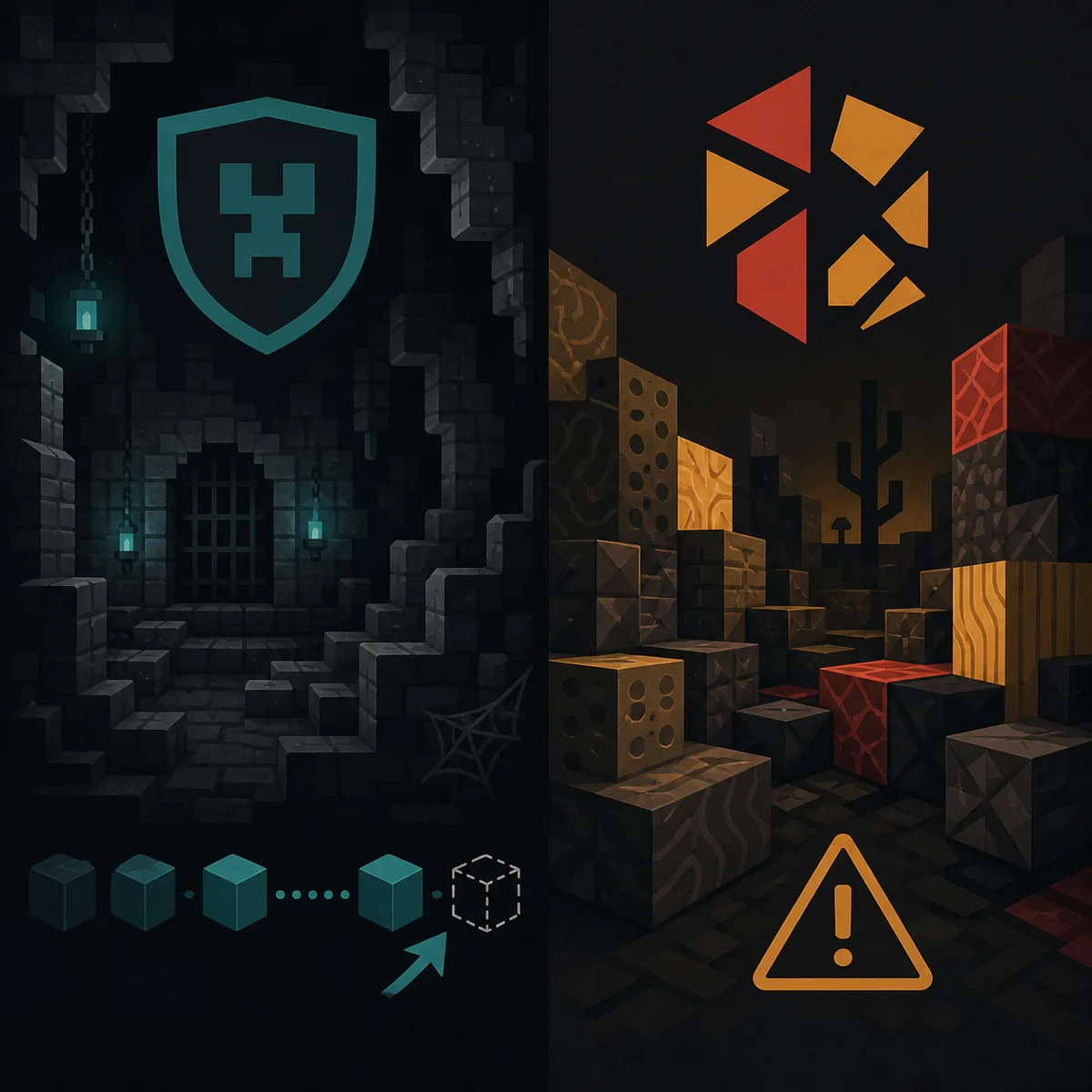
Signs that Anti-Xray or delayed block updates may be involved
Look for a repeatable pattern instead of changing several settings at once.
A useful test starts with a structure that the active finder should support. If the outer structure is recognized but the floor data is incomplete, the first check is whether the relevant chunks are fully loaded and whether the second inspection changes the observed blocks. If a second pass never changes anything, the server may be refusing or rewriting the request, or the cause may be unrelated to Anti-Xray.
Do not use one successful detection as proof that every server or every structure is compatible. Anti-Xray rules may apply to only certain blocks, dimensions, regions, or server software. A dungeon can be vanilla while the server still uses a plugin, proxy, or custom generator that changes what the client receives.
| Observed result | Likely explanations | Next safe check |
|---|---|---|
| Structure outline appears, floor data stays incomplete | Anti-Xray, delayed updates, wrong version, or damaged floor | Wait for chunks, check the version, then repeat one permitted observation |
| The same structure works after a delay | Server block updates arrived after the first pass | Record the delay and avoid collecting duplicate coordinates |
| No finder outline appears | Finder disabled, chunks not loaded, unsupported structure, or custom generation | Run the command guide checks before changing the Anti-Xray setting |
| A sensitive server warning or kick appears | The server or anti-cheat noticed action packets | Stop the test and ask the owner; do not keep retrying |
| Only modded or rebuilt structures fail | Non-vanilla templates or custom generation | Use an owner-approved seed or world-file method instead |
Seven checks before collecting more structures
Work from the least invasive explanation to the server-specific one, and change one variable at a time.
1. Confirm the exact Minecraft generation version
The launcher version and the server's terrain-generation version are not always interchangeable.
Use the SeedCrackerX version finder and compare the exact Minecraft range before collecting more data. A protocol bridge, proxy, or server upgrade can let you connect while the terrain around you was generated under another version. If the version is wrong, clear incompatible observations instead of trying to repair them with the Anti-Xray toggle.
2. Load fresh chunks around one supported structure
A finder cannot verify blocks that the client has not actually received.
Move close enough for the surrounding chunks to finish loading, wait for terrain updates, and test one structure rather than a whole route. Avoid judging the result from a map marker or a screenshot. The current source checks live client world state, so a copied coordinate is not equivalent to an accepted observation.
3. Check whether the Anti-Xray path is enabled
The setting can be useful, but it also has a server-visible compatibility cost.
Open the mod configuration through the supported client command and inspect the Anti Xray Mode option. Do not toggle it repeatedly while scanning. On a permitted test server, make one controlled comparison and record whether the floor changes after the second inspection. On a public server, ask the owner before testing any behavior that sends extra block actions.
4. Recheck finder and command state
A missing outline is often a finder state problem, not an Anti-Xray problem.
Use the SeedCrackerX command finder for the active release. After changing finder settings, /seedcracker finder reload can refresh the scan path. If you changed worlds or versions, /seedcracker data clear is safer than mixing old and new observations.
5. Compare a second supported structure
One failed dungeon does not identify a server-wide cause.
If the server owner permits the test, compare a different supported structure that does not depend on the same floor pattern. A result that works elsewhere suggests a structure-specific, region-specific, or data-quality issue. A consistent failure across fresh chunks is stronger evidence of a server or version boundary, but it is still not proof that Anti-Xray is the cause.
6. Separate server rules from technical diagnosis
A technical explanation never overrides a multiplayer rule.
A client-side mod may work without being installed on the server, but that does not make analysis allowed. Read the server seed guide for owner, operator, and permitted-player methods. If the owner says no, stop; do not use the Anti-Xray setting, database lookups, or repeated reconnects to push past that answer.
7. Record the smallest useful evidence
Good notes prevent a failed test from becoming contaminated seed data.
Record the Minecraft version, SeedCrackerX build, dimension, structure type, whether chunks were fresh, the visible symptom, and whether the server owner approved the test. Do not publish a private server address, recovered seed, or player identity in a troubleshooting report. If the same data was already saved, avoid treating a second scan as independent evidence.
Can a server see SeedCrackerX or its Anti-Xray requests?
Assume that server-side systems can observe unusual client behavior and act according to their rules.
SeedCrackerX is a client-side Fabric mod, so the server does not need to install the same mod for your client commands and local finders to exist. That does not make the client invisible. The Anti-Xray path sends selected player-action packets and waits for block updates; server logs, plugins, proxies, or anti-cheat systems may record or react to the connection behavior even if they cannot identify every client mod by name.
The correct answer to “does SeedCrackerX show up in a server console?” is therefore conditional. A console may show ordinary connection, block-action, or anti-cheat events without printing the string SeedCrackerX. Another server may log a plugin-specific warning, and another may do nothing visible. Never treat the absence of a console line as permission or as proof that a test is undetectable.
The official project README also documents an optional community database path for server seeds from servers with more than ten players. That is a separate data-sharing feature, not a solution to Anti-Xray. Keep database submission disabled unless you understand the server rules, privacy implications, and the setting's purpose.
- Ask the owner or operator before using SeedCrackerX on multiplayer terrain.
- Treat a kick, warning, rollback, or unusual lag as a reason to stop, not to retry faster.
- Do not publish a recovered private seed or server address without explicit permission.
- Use an owner-provided seed, console command, or world-file export when that is the approved method.
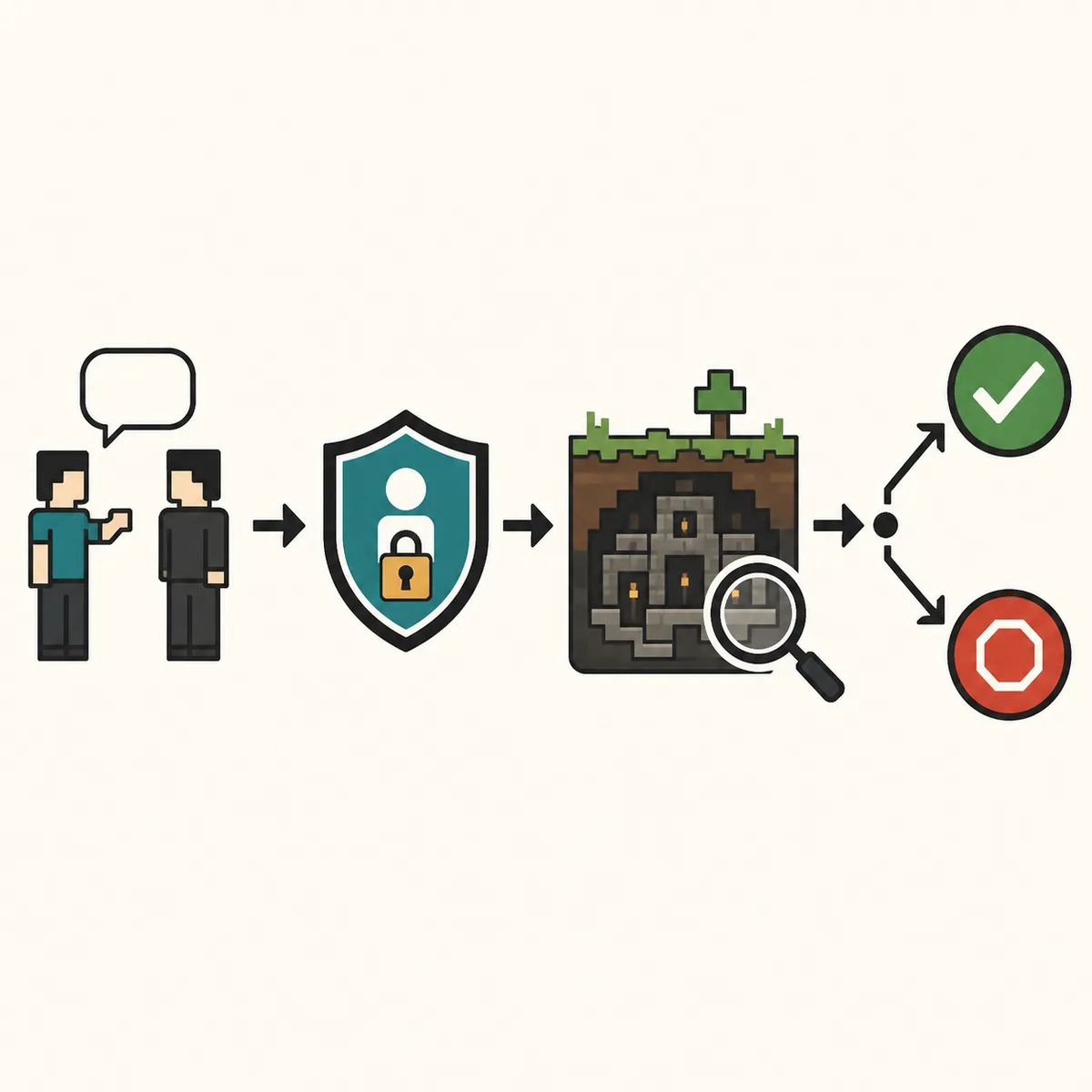
What about Paper servers, custom buildings, or custom generation?
Custom content can produce the same symptoms as Anti-Xray while changing the underlying structure assumptions.
A Paper server, proxy network, datapack, plugin, or custom generator may change the blocks, structure templates, chunk timing, or generation rules that reach the client. If a building was rebuilt, pasted, decorated, or generated by a plugin, its appearance is not enough for a vanilla structure finder to accept it. The question “does SeedCracker work with custom buildings?” has no universal yes or no; it depends on whether the active finder still sees a supported, version-compatible structure.
Use the loader compatibility guide for the Java/Fabric boundary, but do not confuse loader compatibility with world-generation compatibility. The official README's version table tells you which Minecraft release and Fabric build match; it does not certify every server plugin, proxy, map, or custom structure pack.
When a custom server is important, the cleanest path is usually owner access: use the server's permitted /seed command, inspect an approved world export, or ask the operator for a known seed. A SeedCrackerX result from a modified world should be treated as unverified until the owner can compare it against an authoritative source.
When to stop troubleshooting Anti-Xray
A useful guide should say when another attempt is no longer the right next step.
Stop immediately if the server owner has not approved the analysis, if an anti-cheat warning appears, if the connection is kicked or rolled back, or if you are tempted to hide the test. Stop also when the world version, structure type, or server software cannot be verified. More retries will not turn an unauthorized or incompatible observation into reliable evidence.
For an owned world, move to a controlled local test: match the official version, use a clean Fabric instance, load a fresh area, and compare the in-game /seedcracker data bits output with your notes. For an owned server, prefer the operator's seed command or world file. For a permitted community server, keep the scope and any report within the owner's stated boundary.
If you need the official source rather than another troubleshooting guess, use the SeedCrackerX GitHub source guide. It links to the maintainer repository and release checks without presenting a third-party mirror as an official build.
- Do not claim that Anti-Xray has been bypassed just because one structure was detected.
- Do not use a browser page as a substitute for the installed client or the server owner's data.
- Do not mix observations from different versions, dimensions, worlds, or server addresses.
- Do not turn a troubleshooting result into a public seed database entry without consent.
What the official source confirms
These references support the narrow technical claims in this guide; they do not guarantee behavior on every server.
The official SeedCrackerX README identifies the Fabric dependency, version mappings, commands, and optional database behavior. The current source's English language resource describes the Anti Xray setting and warns about sensitive anti-cheats.
The code links above show the boundary more concretely: configuration enables the setting by default in the current source, the dungeon finder detects suspicious floor data, and the block-update queue sends selected player-action packets before a second check. Source code can explain what the mod attempts; only the server owner and the live connection can determine whether that attempt is allowed or effective.