
Which Minecraft structure finder should you use?
Choose the method from the evidence you have, not from the word finder in a search result.
If you own a world and know its seed, a seed map is the fastest way to preview villages, temples, strongholds, and other structures. In a loaded world, Java or Bedrock players with the right permission can also use /locate to find a specific structure. Those methods answer a location question; they do not recover an unknown seed.
If you do not know the seed, a map cannot infer it from a screenshot or a server address. On an authorized Minecraft Java world, SeedCrackerX can collect supported structure observations and reduce candidates when the Fabric build matches the generation version. That is a client workflow with in-game evidence, not a website lookup.
Bedrock, console, and mobile players should start with owner controls: world settings, a local export, or a Realm download. A Java Fabric JAR is not a Bedrock structure finder. The Bedrock seed limits guide explains the platform boundary before you install anything.
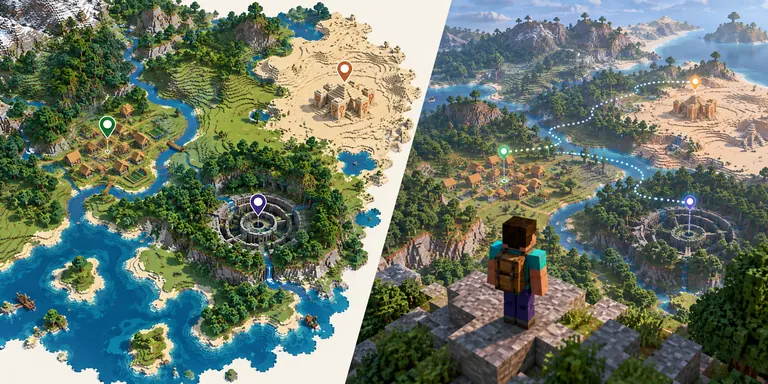
Structure finder methods compared
The same search phrase can describe four different jobs. Separate the input, output, and limit before choosing a tool.
| What you have | Best fit | What it returns | Main limit |
|---|---|---|---|
| Known seed + edition/version | Seed map such as Chunkbase Seed Map | Predicted structure coordinates and biome context | A wrong seed, edition, or version makes every pin unreliable |
| Loaded world + command permission | Java or Bedrock /locate | The nearest matching structure in that world | Commands may be disabled; it does not reveal an unknown seed |
| Unknown seed + authorized Java client | SeedCrackerX Fabric workflow | Seed candidates from accepted world-generation observations | Version-sensitive, client-side, and not a browser tool |
| Bedrock owner or Realm owner | World settings, export, or Realm download | The seed from the world you control | Members and remote players do not gain owner access |
| Only a server IP or screenshot | Ask the owner or stop | No trustworthy structure result | A website cannot read private world data from an address or image |
Use a seed map when the seed is already known
A seed map is a prediction viewer. It is excellent for planning a trip and useless for recovering a missing seed by itself.
Enter the complete signed seed, select the correct Minecraft edition, and choose the exact version or version family supported by the map. Then select the structure type you need. The map can show a village, desert pyramid, ancient city, stronghold, ocean monument, shipwreck, or other supported feature, but the result is only as reliable as those inputs.
Check one or two landmarks in the actual world before traveling a long distance. A village at the predicted coordinate is useful confirmation; a nearby coastline that does not match is a warning to stop. Do not silently change Java to Bedrock, ignore experimental generation, or assume a datapack uses vanilla placement.
For a village-specific search, the Minecraft village guide compares /locate, a known-seed map, and exploration. For a general seed decision, use the seed methods guide before treating a map pin as proof.
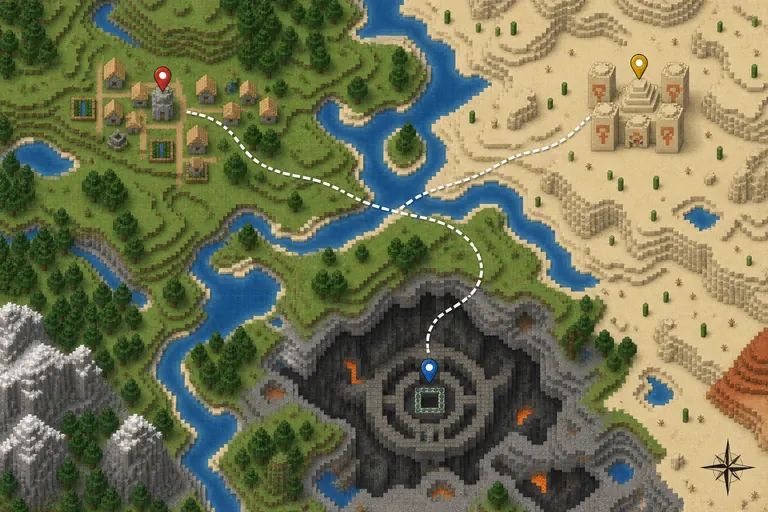
Use /locate for a specific structure in a permitted world
The command route is direct when you have a loaded world and the required permission.
In current Minecraft releases, /locate structure asks the game to search for a named structure near your position. The exact syntax and identifiers vary by edition and version, so use the command suggestions in the client or an up-to-date command reference. A server may restrict commands to operators or owners.
A successful locate result gives a coordinate; it does not prove that a third-party map, mod, or seed number is correct. If the coordinate appears in an unexpected dimension, check the dimension first. Nether and End structures use different generation contexts, and a coordinate copied between dimensions is not meaningful without the dimension label.
Do not use a command guide to bypass a server rule. If you are a regular player, ask staff for the seed or for permission to analyze the world. The dedicated server seed guide separates owner, operator, Realm, and permitted Java recovery paths.
Use SeedCrackerX only for an authorized Java observation workflow
When the seed is unknown, SeedCrackerX is the relevant Minecraft structure finder for a narrow case: Java Edition, matching generation version, supported structures, and permission.
SeedCrackerX does not take a seed-map screenshot and it does not read a remote server from a browser. The client mod observes supported structures, End pillar heights, decorators, biome samples, or other release-specific evidence, then reduces candidate seeds. A structure map can help you travel after a seed is known; it is not a substitute for an accepted in-game observation.
Start with the version finder and match the JAR to the Minecraft version that generated the world. The official release check on 2026-10-18 still lists seedcrackerX-2.16.2.jar as the 26.3 prerelease, published 2026-09-29, with a 2,721,674-byte asset. The latest file is not automatically correct for an older world.
After launch, use the complete setup guide to configure finders and collect independent structures. Read /seedcracker data bits in the client, and use the structure bit calculator only to plan the next observation. The installed mod's output remains authoritative for the active release.
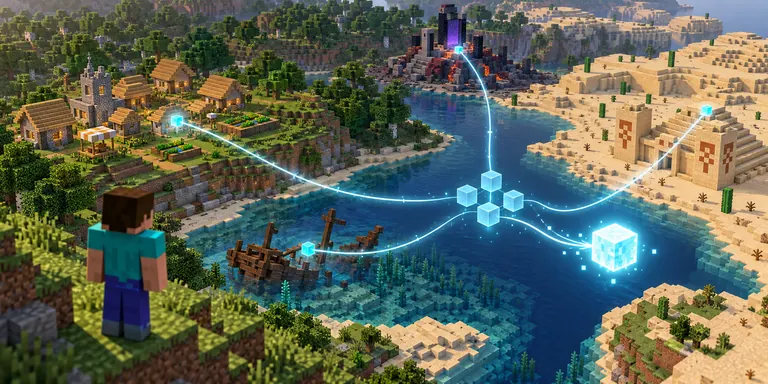
Java, Bedrock, and mod structure finders are not interchangeable
The word structure can be the same while the runtime, commands, and generated coordinates are different.
The official SeedCrackerX project targets Minecraft Java Edition with Fabric. Forge and NeoForge pages, Bedrock add-ons, mobile packages, and console clients are separate compatibility targets. Renaming a JAR or installing a Java client mod into Bedrock does not create a working structure finder.
Known-seed maps also need an edition and version selection. Java and Bedrock can place structures differently, and a world created under an experimental or changed generator may not match a vanilla map profile. Record the edition, exact version, seed, dimension, and generator settings beside every coordinate.
If you only need a known Bedrock coordinate, use a Bedrock-compatible map after verifying the seed. If you need to recover an unknown Bedrock seed, use owner settings or an export rather than a Java recovery guide.
| Check | Java | Bedrock |
|---|---|---|
| Client mod | SeedCrackerX Fabric builds can observe supported data | Do not install the Java Fabric JAR |
| Known seed map | Select the exact Java version | Select the exact Bedrock version |
| Unknown seed | Owner path or permitted SeedCrackerX workflow | Owner settings, export, or Realm path |
| Structure coordinate | Verify dimension and generation version | Verify edition, version, and map profile |
Why a structure finder result can be wrong
Most failures are input mismatches, not proof that every map or mod is broken.
If every pin is shifted, check the seed sign, edition, version, dimension, and world type before changing tools. A missing minus sign changes the world completely. A Java map selected for Bedrock can look plausible while still being wrong, and a lobby or backup world can have a different seed from the survival world you meant to inspect.
If /locate works but a map does not, compare the map's version profile and structure identifier. If a map works but SeedCrackerX does not add data, confirm the Fabric build, finder settings, loaded chunks, dimension, and whether the structure was actually accepted. A map coordinate is a travel hint; the mod needs a detected structure in the current client.
For a Nether question, keep the dimension attached to the note and verify the structure name in the current release. Do not treat a low-volume question such as "where is the Nether structure" as a universal coordinate promise. When a result matters, test two or more landmarks and record the source and check date.
- Copy the full signed seed, including a leading minus sign.
- Record Java or Bedrock, exact version, dimension, and generator settings.
- Test at least two landmarks before sharing coordinates.
- Keep map predictions separate from SeedCrackerX observations.
- Ask the world owner before analyzing or publishing private server data.
What this Minecraft structure finder guide does not provide
Clear limits make the choice easier and prevent a map, command, or mod from being oversold.
This page does not host a live seed map, accept a world upload, calculate a private server seed from an IP, or certify a mirror download. The three illustrations are conceptual diagrams, not official gameplay screenshots. Use the linked official and first-party sources for the current command, release, and map details.
The practical decision is still short: known seed means map or /locate; unknown seed on an authorized Java world means the SeedCrackerX observation route; Bedrock owner means settings or export. If none of those inputs are available, ask the owner or stop rather than downloading a universal cracker claim.