
The official SeedCrackerX GitHub repository
If you only need the source, use the maintainer repository and the releases page, then match the asset to your Minecraft profile.
The official SeedCrackerX GitHub repository is 19MisterX98/SeedcrackerX. The official release list is GitHub Releases for SeedCrackerX. A page can mention SeedCrackerX, copy the README, or show a similar file name without being the maintainer source.
The best answer for a SeedCrackerX GitHub search is not simply a download button. First confirm that the repository owner, tag, asset name, publication date, and Minecraft version all agree. Then use the site's SeedCrackerX download and version finder if you want a guided version match before opening the official asset.
As checked October 14, 2026, the rolling prerelease build is seedcrackerX-2.16.2.jar for Minecraft 26.3, published September 29, 2026, with a GitHub asset size of 2,721,674 bytes. The newest numbered stable release is seedcrackerX-2.16.0.jar for Minecraft 26.1 through 26.1.2, published March 26, 2026, with a GitHub asset size of 2,691,191 bytes. Do not treat the prerelease as the right file for every server.
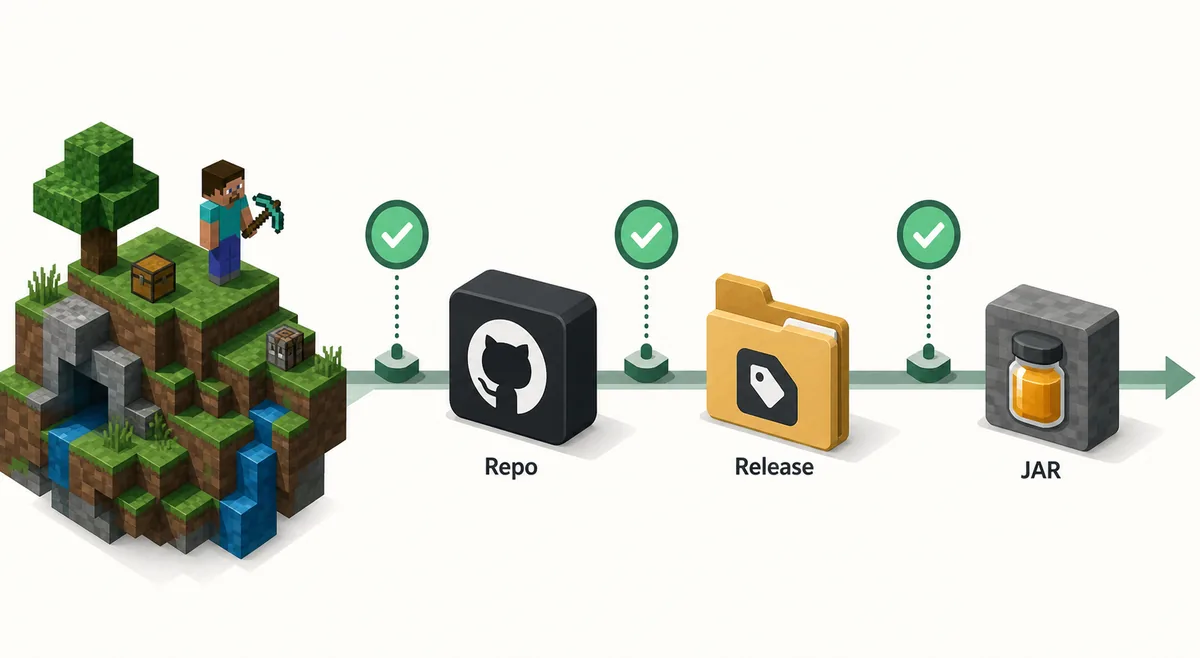
Why GitHub is the safest starting point
GitHub gives you source history, releases, tags, issues, and assets in one place, which makes verification possible.
SeedCrackerX is a Minecraft Java client mod with version-sensitive behavior. It depends on Fabric, Minecraft client classes, structure placement rules, and world-generation logic. Search results often mix GitHub, Modrinth-style pages, CurseForge-style pages, mirror blogs, video tutorials, and unrelated seed tools. GitHub does not make a file risk-free, but it gives you the strongest trail for checking whether a file belongs to the known project.
A release page should show a tag, a publication date, and one or more downloadable assets. For SeedCrackerX, the useful asset is a JAR named like seedcrackerX-2.16.0.jar or seedcrackerX-2.16.1.jar. If another site offers an EXE installer, a zipped bundle, a password-protected archive, or a file with a different naming pattern, treat that as a separate claim that needs proof.
This page is different from the download page. The download page helps you choose a version. This GitHub guide explains how to verify the official source before you trust any result, especially when you found SeedCrackerX through a search snippet, a social post, a mirror, or a forum answer.
| Signal | What to check | Why it matters |
|---|---|---|
| Repository owner | 19MisterX98/SeedcrackerX | Confirms you are viewing the known maintainer project, not a copied page. |
| Release tag | Stable tag or the prerelease channel | Shows whether the asset is stable or experimental. |
| Asset name | seedcrackerX-*.jar | Helps reject installers, renamed archives, and unrelated files. |
| Minecraft target | Release name or site version finder result | Prevents installing a JAR that targets a different game version. |
| File size and date | Compare against GitHub asset details | A large mismatch is a reason to stop and verify the source again. |
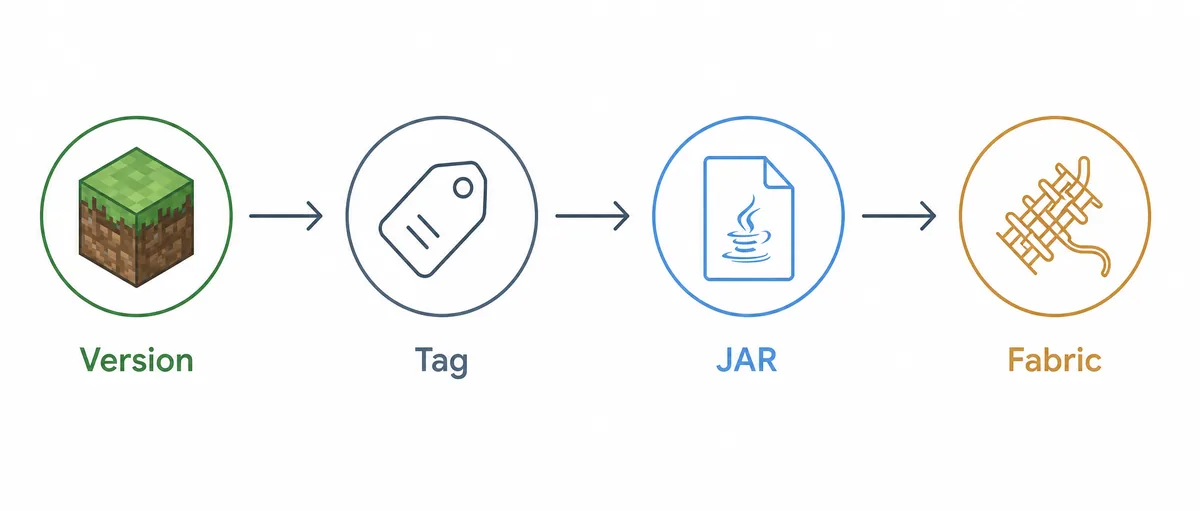
5 checks on a SeedCrackerX GitHub release
Use this sequence before moving a JAR into your Fabric mods folder.
1. Start from the repository page. Open the official repository, then navigate to Releases from there. This avoids search ads, copied release pages, and URLs that only look similar at a glance.
2. Read the release name. The release name often indicates the Minecraft range. If your launcher runs Minecraft 26.1.2, do not install a prerelease intended for 26.2 just because it appears first.
3. Compare the JAR asset. Check the file name and extension before downloading. SeedCrackerX is a Fabric mod JAR; it is not a Forge installer, NeoForge port, Bedrock add-on, APK, or launcher patcher.
4. Match your Fabric instance. The downloaded JAR belongs in the mods folder of the exact Fabric instance you plan to launch. Remove older SeedCrackerX JARs from that instance to avoid duplicate mod IDs.
5. Test in a permitted world. Launch the Fabric profile and run /seedcracker gui. If the command is missing, check the instance path, Minecraft version, loader version, and log before searching for another download.
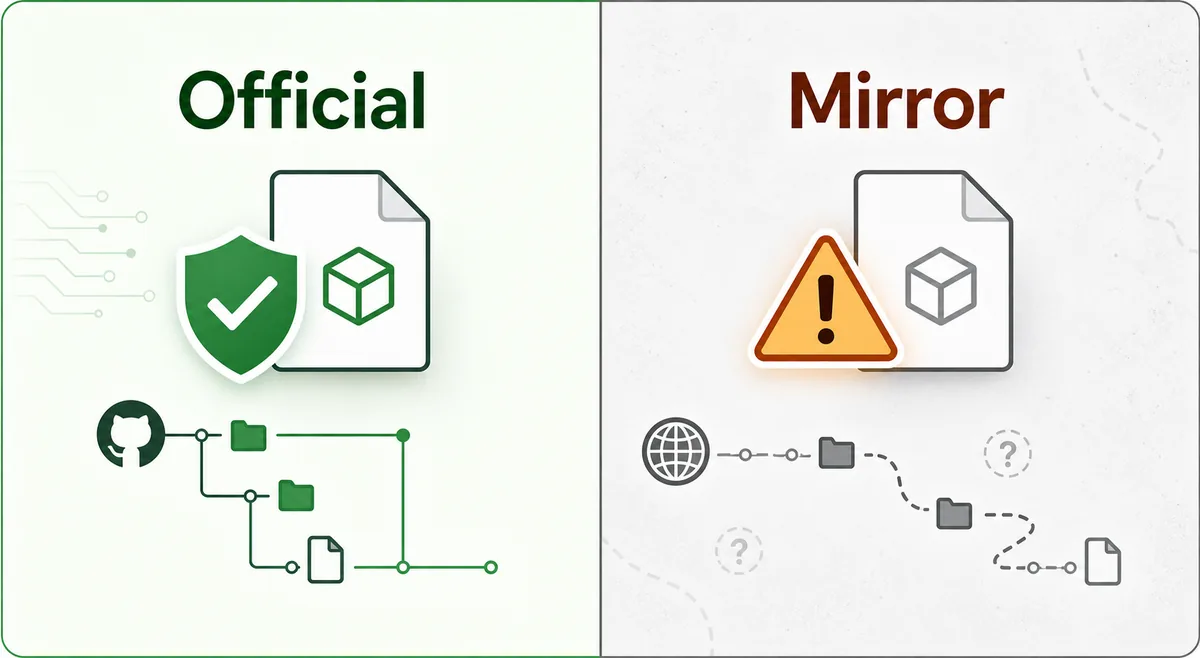
GitHub release, mirror page, or different project?
A search result can be useful for discovery while still being the wrong place to download.
A GitHub release proves the repo owner, tag, asset, and visible project history in one place. A mod-hosting result may be legitimate community metadata, but you still need to verify owner identity and source links. A mirror page usually proves only that someone republished a description or binary. Treat it as a clue, not as authority.
Some pages are not SeedCrackerX at all. They may be seed map websites, world previewers, server plugins, old forks, or unrelated mod packs. Those tools can be useful for their own purpose, but they should not be installed as a current SeedCrackerX release unless the source chain leads back to the maintainer repository.
If a page claims Forge, NeoForge, Bedrock, mobile, or console support, read it as a compatibility claim rather than a download shortcut. The official release assets checked for this site are Fabric client JARs. Use the loader compatibility checker when the real question is platform support.
SeedCrackerX GitHub release facts checked October 14, 2026
The latest file is not always the compatible file.
The GitHub releases page currently puts the rolling prerelease before numbered stable releases. That ordering is normal, but it can mislead users who only want the safest stable file. For Minecraft 26.3, the prerelease 2.16.2 is the relevant current option. For Minecraft 26.1 through 26.1.2, the stable 2.16.0 release remains the right match unless the maintainer publishes a newer stable range.
Older servers need older matching builds. For example, Minecraft 1.21.11 maps to SeedCrackerX 2.15.6. If a server, modpack, or proxy accepts more than one protocol, verify the world-generation version rather than assuming the client protocol alone tells you which SeedCrackerX setting to use.
| Minecraft target | SeedCrackerX release | Channel | GitHub asset |
|---|---|---|---|
| 26.3 | 2.16.2 | Prerelease | seedcrackerX-2.16.2.jar |
| 26.2 | 2.16.1 | Prerelease | seedcrackerX-2.16.1.jar |
| 26.1-26.1.2 | 2.16.0 | Stable | seedcrackerX-2.16.0.jar |
| 1.21.11 | 2.15.6 | Stable | seedcrackerX-2.15.6.jar |
| 1.21.9-1.21.10 | 2.15.5 | Stable | seedcrackerX-2.15.5.jar |
Where to go after the GitHub check
Choose the page that matches what you are trying to finish.
If you know your Minecraft version and want the correct official asset, use the download and version finder. If you already installed the mod and need commands, use the SeedCrackerX command finder. If you need the full workflow, continue with How to Use SeedCrackerX.
If your question is whether a third-party listing is official, compare it with the Modrinth source check or this GitHub source guide. If your question is about recovering a multiplayer world seed, start with the server seed guide so permission, OP methods, Realm downloads, and client-side recovery stay separate.
- Official source intent: open the GitHub repository and releases.
- Version intent: use the download and version finder.
- Installation intent: follow the complete SeedCrackerX guide.
- Platform intent: check Fabric, Forge, NeoForge, Bedrock, and mobile support.
- Server intent: confirm permission and choose the correct recovery method.