
Which method should you use first?
Start with the fastest method that fits your world settings and the information you already have.
If you can use commands, /locate structure minecraft:village is usually the shortest route in current Java versions. Bedrock uses a closely related locate command, but the exact syntax and structure identifier can differ by release, so read the command suggestion shown by your client instead of copying a Java result blindly.
If you already know the seed, a reputable seed map can show candidate villages before you travel. Treat the map as a planning aid: choose the correct edition and version, enter the seed exactly, and confirm the coordinate in game. If the seed is unknown and commands are disabled, ordinary exploration is slower but does not require a third-party tool.
- Known seed plus no cheats: use a seed map, then verify the coordinate in the matching world.
- Commands allowed: use the locate route and teleport only in a world where that is acceptable.
- No seed and no commands: search plains, savanna, desert, taiga, and snowy plains with a repeatable route.
- Multiplayer: ask the owner before using commands, inspecting files, or collecting private world information.
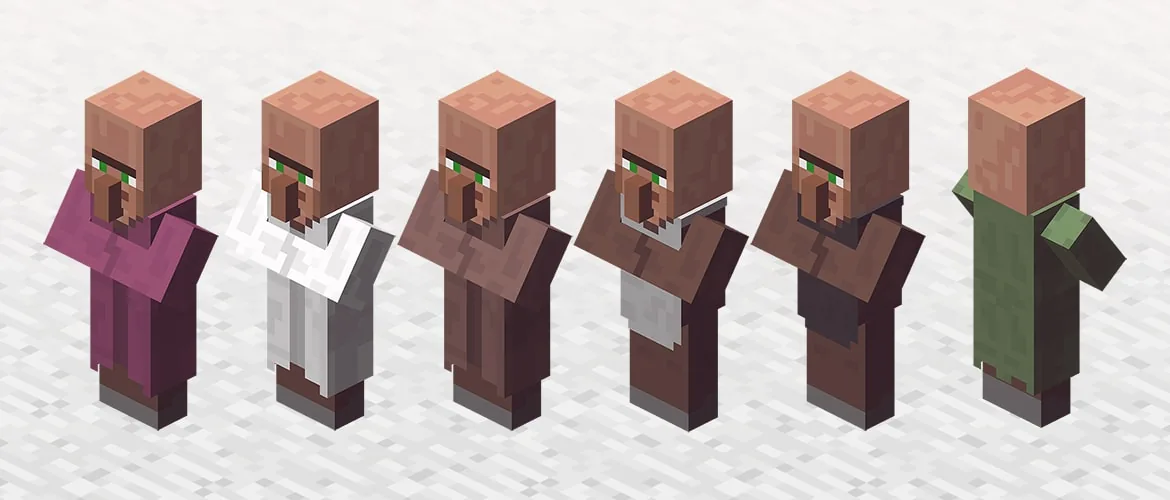
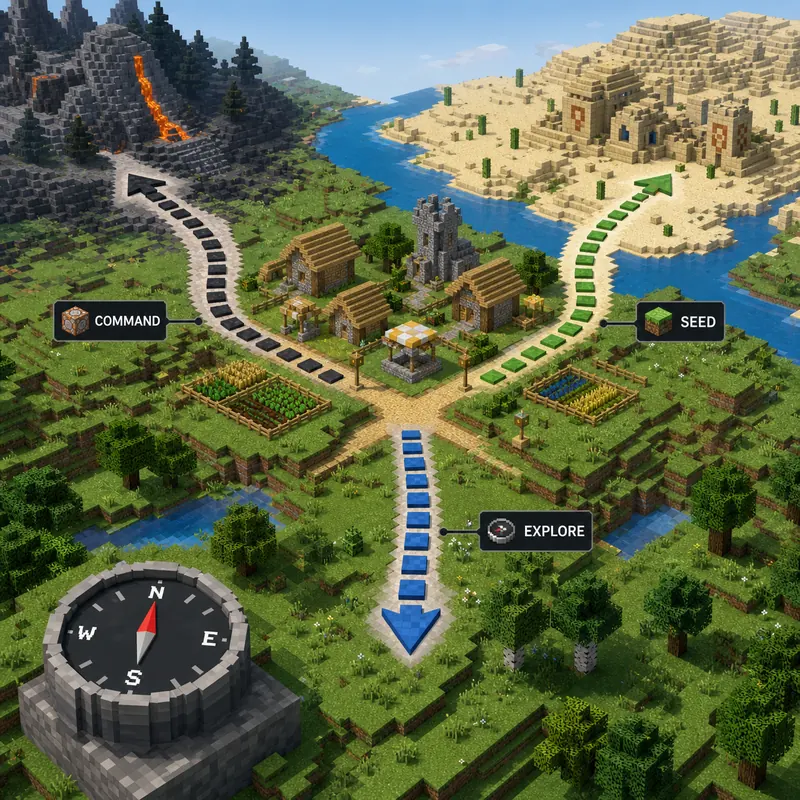
How to find a village in Minecraft: choose the right route
The same question has different answers for a new survival world, a known seed, and a permitted server.
A village finder is not the same thing as a seed cracker. A finder answers where a structure should generate after you provide a seed, edition, and version. A seed cracker tries to recover an unknown seed from world-generation observations and has a very different permission and evidence boundary. Keep those tasks separate so you do not expect a map to discover an unknown server seed.
Use this table before opening a tool. It prevents the most common mismatch: using a correct method with the wrong input.
| Your situation | Best first method | Main check |
|---|---|---|
| Seed known, cheats off | Seed map or structure finder | Edition, version, and exact seed |
| Cheats allowed in a test or private world | Locate command | Command syntax and permission |
| Seed unknown, commands off | Biome-aware exploration | Route planning and landmarks |
| Java server or Realm | Ask the owner first | Rules and authorized access |
| Bedrock world | Bedrock command or map | Bedrock edition and version |
First decide whether the seed is known
If the seed is visible in the world settings or provided by the owner, map-based locating is efficient. If you need to recover the seed itself, read the Minecraft seed methods guide first. The village page should begin only after you know which input the map or command needs.
Then confirm Java or Bedrock
Village generation is shared as a game idea, but commands, identifiers, menus, and map settings are edition-sensitive. A coordinate calculated for Java is not automatically a Bedrock coordinate. The Bedrock seed limits guide explains why Java-only SeedCrackerX workflows should not be treated as Bedrock tools.
Use the locate command when cheats are allowed
The command is the quickest way to find the nearest generated village in a world where you have the right permission.
In current Java Edition releases, open chat and try /locate structure minecraft:village. The game returns the nearest matching structure from your current position. Select or copy the coordinates, then travel there or use a teleport command only if the world rules and your goal allow it. Do not interpret a command result as permission to inspect someone else's private server.
On Bedrock, the command may appear as /locate structure village or use a suggestion offered by the client. Bedrock command syntax changes are exactly why the in-game autocomplete matters. If the command is rejected, check that cheats are enabled, that you have permission, and that your version supports the identifier shown in the command suggestions.
A locate result can still be confusing when the coordinate is far away, the dimension is wrong, or the structure is partly hidden by terrain. Confirm the dimension, use the coordinate axes carefully, and inspect the surrounding area rather than stopping at one block.
- Run the command in the dimension where you expect villages to generate.
- Read X, Y, and Z separately; do not swap X and Z while traveling.
- Use teleport only in a private test world or when the owner explicitly permits it.
- If autocomplete shows a different identifier, trust the active client over an old tutorial.
Java command checklist
Use the exact command suggested by your Java client, then compare the returned coordinate with your current dimension. If you are working with a modded profile, commands may be intercepted or restricted by server permissions. The SeedCrackerX command finder is useful for mod commands, but it does not replace Minecraft's built-in village locate command.
When the command fails
An unknown command usually means cheats or permission are missing, the syntax belongs to another edition, or the client version differs from the tutorial. A command that returns no useful result can also indicate the wrong dimension or an identifier that your release does not recognize. Check autocomplete first, then ask the server owner rather than trying to bypass the restriction.
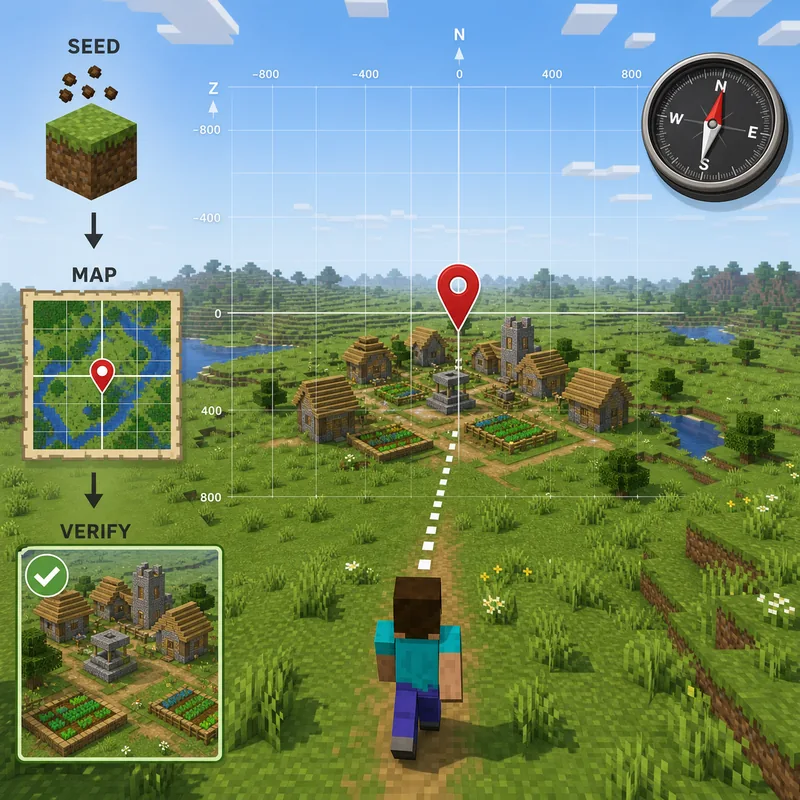
Find a village with a known seed and a map
A seed map is powerful only when its inputs match the world that generated the terrain.
Enter the seed into a map tool that supports villages, select the correct Minecraft edition, and choose the closest available version. Then open the village layer and record one candidate coordinate. Do not copy a coordinate from a different seed, a different dimension, or a map that silently defaults to another release. A small version mismatch can change structure placement enough to make an apparently precise pin useless.
For a long-running world, also consider when the region was generated. Server upgrades can leave old chunks beside newly generated terrain. If the village is in an explored region, compare the map prediction with landmarks, roads, biome borders, and the actual terrain rather than assuming that an unexplored map pin must be correct.
The map workflow can help you find a village in a seed, but it cannot prove that you entered the seed correctly. Treat the coordinate as a hypothesis and verify it in the game.
Four inputs to verify before traveling
If one of these inputs is uncertain, lower your confidence in the pin. The tool can calculate a coordinate correctly for its selected inputs while still being wrong for your world.
- Seed: copy the complete number or text without spaces or a missing minus sign.
- Edition: choose Java or Bedrock, not a generic Minecraft option when both are available.
- Version: match the release that generated the target chunks as closely as the map allows.
- Dimension and layer: use the Overworld village layer and keep coordinates in the same axis order.
Verify the village in game
Travel to the predicted region and compare the landscape. Look for the village well, paths, farms, houses, and terrain shape rather than one isolated block. If the structure is missing, recheck the seed, edition, version, dimension, and coordinate sign before trying another pin. A screenshot or map pin is not a substitute for the world itself.
Explore without commands or a known seed
When you cannot use a command and do not know the seed, make exploration systematic instead of random.
Villages commonly appear in suitable parts of plains, savanna, desert, taiga, and snowy plains. The exact list and terrain generation vary by edition and version, so treat biomes as search priorities rather than a guarantee. Start from a landmark, travel in a straight line for a planned distance, and return along a parallel line. This covers more ground than circling the same hills.
Raise your view when crossing open terrain and scan for roofs, farms, path blocks, bell silhouettes, and torchlight. Boats can make rivers and coastlines efficient travel corridors, while high ground helps you see structures before forests or hills hide them. Keep a written coordinate for every branch so you do not repeatedly search the same area.
If you have access to maps, villagers, or a safe base, use them as navigation aids rather than as a replacement for the world-generation inputs. Exploration is slower, but it respects worlds where commands, seed sharing, and third-party inspection are not allowed.
- Prioritize open biomes and high ground before dense forests or deep caves.
- Use a north-south or east-west sweep with parallel return lines.
- Mark searched regions, rivers, portals, and abandoned branches with coordinates.
- Bring food, a bed, spare tools, and a way to return safely; distance is not the only risk.
Why can’t you find the village?
Most failed searches are input mismatches, coordinate mistakes, or expectations that exceed what the method can prove.
Start with the simplest check: are you in the same edition, version, dimension, and world as the command or map result? If the seed map pin is close but the village is absent, check whether the target chunk was generated before a version change. If the command works but the village is not visible, inspect the surrounding terrain and confirm that you are reading the coordinate axes correctly.
Do not solve a missing village by downloading a random “village finder” or seed-cracker JAR. A map tool and SeedCrackerX serve different purposes, and third-party pages can mix Java, Bedrock, Forge, and Fabric claims. Use the loader compatibility guide and the official source checks when the problem is actually a mod installation.
| Symptom | Likely cause | Next check |
|---|---|---|
| Command is unknown | No permission, wrong edition, or old syntax | Use autocomplete and ask the owner |
| Map pin has no village | Wrong seed, version, edition, or coordinate sign | Re-enter all inputs and inspect nearby terrain |
| Village is far away | Nearest result is still outside your current area | Use coordinates, travel safely, or choose another candidate |
| Different players see different results | Different worlds, versions, or generated chunks | Compare world and generation settings |
| A mod page promises a village finder | Tools or claims are being mixed | Verify the project and use the correct tool type |
Do not confuse a village finder with SeedCrackerX
A village finder starts with a known seed and predicts a structure. SeedCrackerX is a Java Fabric mod for authorized seed recovery from supported observations. If you do not know the seed, first read the server seed guide for ownership and permission boundaries instead of treating a village coordinate as a recovered seed.
Keep multiplayer boundaries clear
On a private server or Realm, the owner may restrict commands, seed disclosure, file access, or structure analysis. A public coordinate does not make a private world public. Ask first, use only the approved method, and avoid publishing a seed or location that the owner did not authorize.
The reliable answer in one minute
Choose the route that matches your inputs, then verify the result in the actual world.
Use /locate structure minecraft:village when commands are permitted and your client supports that syntax. Use a seed map when the seed is known, but match edition and version before trusting coordinates. Without a seed or commands, prioritize likely biomes, travel in a grid-like sweep, and record your route. When a result fails, recheck inputs before switching tools.
For related work, the seed guide covers how to obtain the world seed, the structure bit calculator helps plan SeedCrackerX observations, and the official Minecraft villager article provides the source image used above.