
What is the SeedCrackerX seed library?
It is not one browser database that automatically reads your Minecraft world.
In practical use, the phrase SeedCrackerX seed library can refer to the mod's local saved-structures feature or to its optional public seed database. The local feature writes recognized structure names and chunk coordinates to a file associated with the current world or server connection. Later, /seedcracker data restore can load those observations back into the client so you can continue a search without collecting the same structures again.
The public path is different. The official source includes a /seedcracker database command that opens a shared Google Sheet, plus code for looking up known mappings and optionally submitting a successful result. A public lookup may explain why a seed appears quickly for a previously recorded connection, but it is not proof that the current world, version, dimension, or server context matches. Treat it as a lead that still needs local verification.
The useful mental model is therefore local evidence first, public data second, and in-game verification last. Start with the complete SeedCrackerX usage guide, keep the configured Minecraft version consistent, and use the structure bit calculator only for planning. The installed mod's /seedcracker data bits output remains authoritative for the current session.
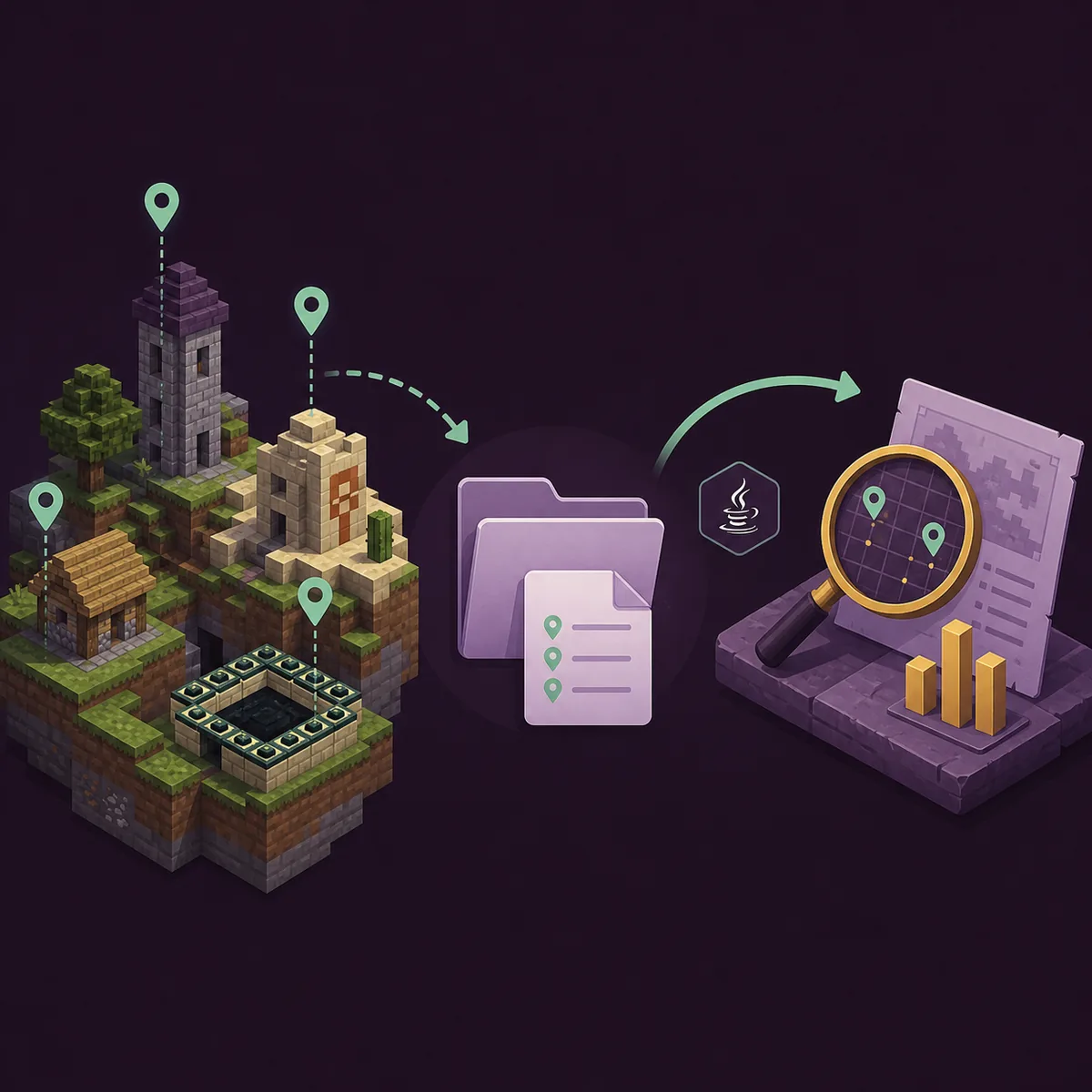
What the local SeedCrackerX library saves
The local file is a small recovery aid for observations, not a complete copy of the world or a stored seed result.
The official StructureSave source file creates a folder named SeedCrackerX saved structures under the Fabric configuration directory. It derives a file name from the current single-player world or remote connection, then writes one line for each recognized structure. The line contains the structure name and its chunk coordinates, separated by semicolons.
That design explains both the usefulness and the limit of the SeedCrackerX seed library. It can preserve evidence you already collected, but it does not save every block, the complete terrain, your launcher profile, or a guaranteed final world seed. The file is also context-sensitive: a connection address or world name can point to a different environment after a server migration, proxy change, backup restore, or world reset.
Keep the local file private when it contains a private server address or coordinates. Back it up only as part of a permitted research workflow, and record the Minecraft edition, generation version, dimension, and date beside your own notes. If you switch to another world, do not blindly restore old structures into the new session; clear or isolate the data first.
| Data surface | What it represents | What it does not prove |
|---|---|---|
| Local saved-structures file | Recognized structure names plus chunk coordinates for a world or connection | It is not a world download or a complete seed backup |
| In-game data storage | Observations currently accepted by the active SeedCrackerX session | It is not an instant result before the search and checks finish |
| Public database | Known mappings that may help a compatible connection or hashed seed lookup | It does not prove that a new world, version, or dimension is identical |
How to restore SeedCrackerX library data
Restore only after confirming that the saved file belongs to the active world or permitted server context.
The official data command source exposes restore. When the command runs, SeedCrackerX loads the saved structure entries for the current world name or connection, maps each structure name back to a supported structure type, and adds the recovered observations to the active data storage. If the file is missing or a line is malformed, the restore path can return no usable structures.
A safe restore sequence is simple. First launch the exact Fabric instance and select the same Minecraft generation version used when the observations were collected. Second, join the same world or permitted server context and confirm the dimension. Third, run /seedcracker data restore, then inspect the in-game message and run /seedcracker data bits. Do not assume that a successful file read means every observation is still valid.
If the saved structures came from a different version, a copied world, a lobby, a proxy target, or a server that regenerated its world, treat them as suspect. Clear the active data with /seedcracker data clear, collect fresh observations, and compare the result in a clean local test world. The SeedCrackerX command finder lists the related commands and their boundaries.
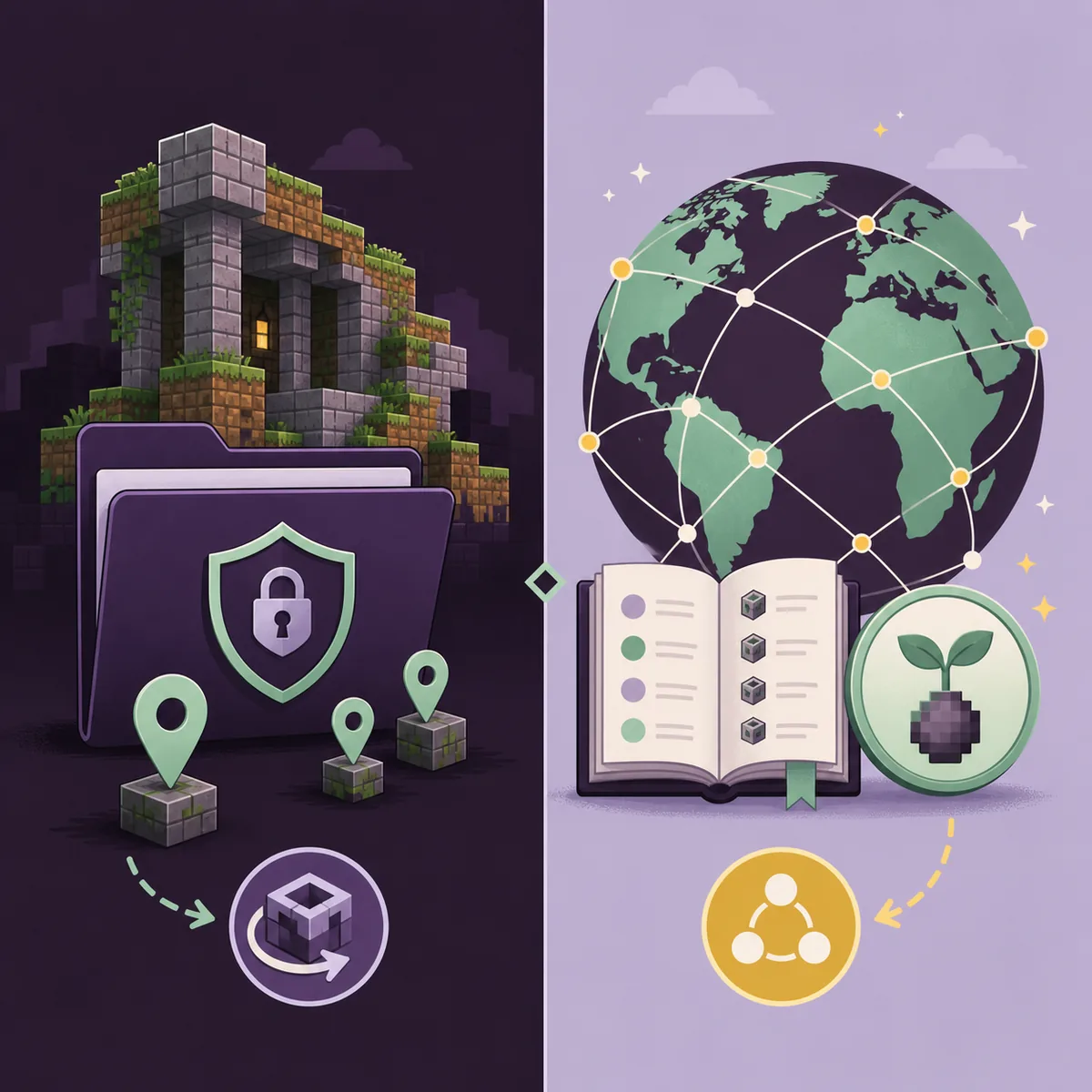
Local library versus the SeedCrackerX public database
The public database can speed up a lookup, but it changes the privacy and trust question.
The official database command opens a shared Google Sheet used by the project community. The related source code also defines a CSV lookup path and maps connection strings or hashed seed values to known world seeds. This is why a user may see a result without collecting a full new set of structures: the connection or hash may already exist in the public data.
A public match is not the same as local proof. Servers can reuse an address, change worlds, rotate proxy endpoints, run multiple dimensions, or update their generation version. A mapping can also be stale, mistyped, or associated with a different release. Before using a public result for a map, event, build recreation, or report, verify several known landmarks in a clean local world with the same edition and generation version.
The submission path deserves extra caution. The current source builds a payload containing the remote server address, dimension, recovered seed, configured version, username, and an anonymization flag when the related setting is enabled. That is a privacy and server-policy decision, not a harmless library toggle. SeedCracker Guide does not operate, query, mirror, or certify the public database; read the project's current configuration and obtain permission before enabling any submission behavior.
| Path | Best use | Main risk |
|---|---|---|
| Local restore | Continue work in the same world or authorized connection | Wrong context can reintroduce stale or mixed-world observations |
| Public lookup | Use an existing known mapping as a lead | Address reuse, stale data, privacy exposure, and version mismatch |
| Fresh collection | Create evidence for a new permitted analysis | Takes time and still needs independent verification |
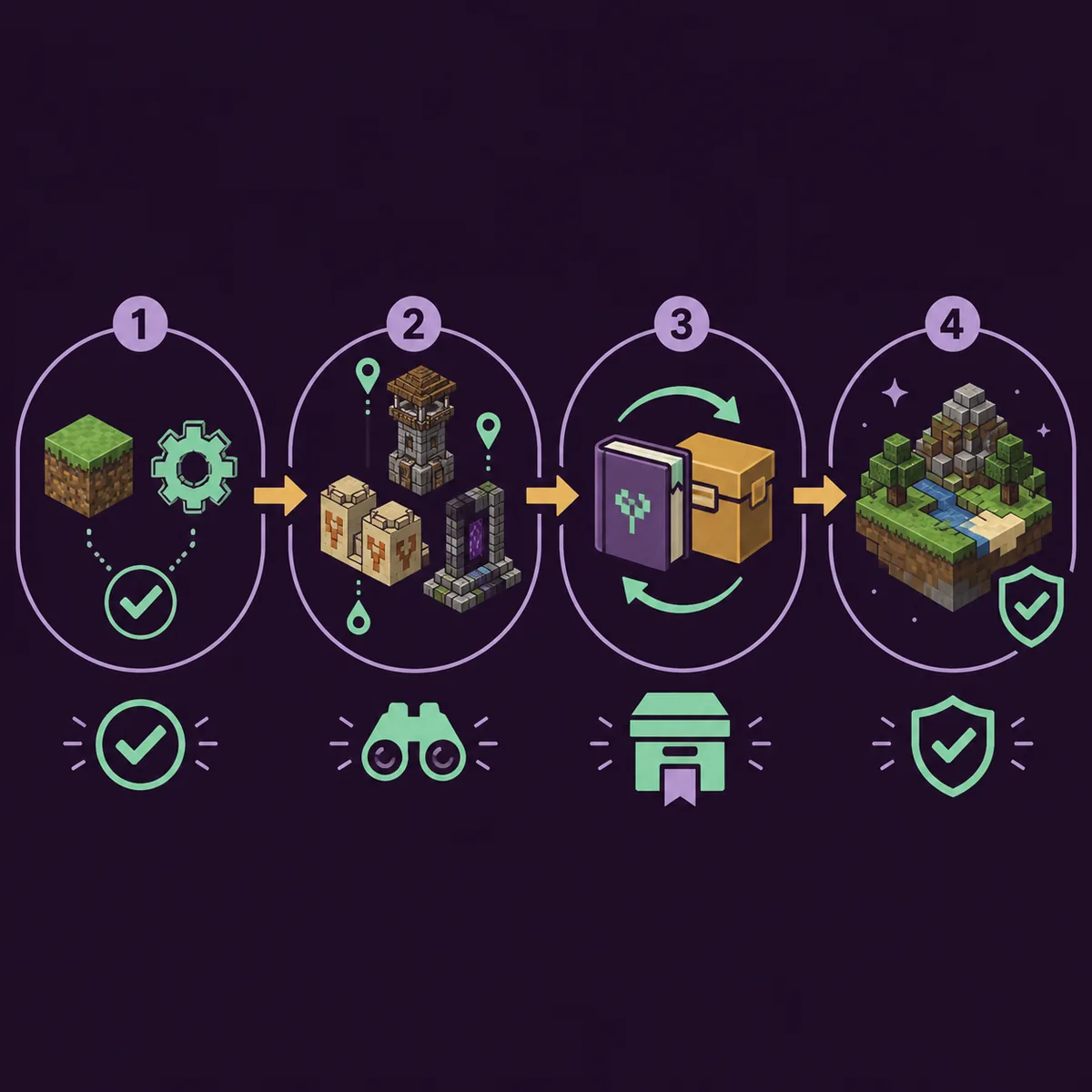
A reliable SeedCrackerX seed library workflow
Use the library to avoid duplicate work, not to skip version, permission, or verification checks.
Before collecting anything, identify the actual Minecraft generation version. A launcher protocol, a proxy-supported version, and the version that generated existing chunks are not always the same. Match the correct official Fabric build using the SeedCrackerX version finder, then confirm that the installed client loads the expected command prefix.
During collection, prefer independent structures and write down the dimension, approximate coordinates, and the reason each observation is trusted. Use /seedcracker data bits to see current normal and liftable progress. A saved file is most useful when your notes explain what it contains; otherwise a restored line is only an unexplained coordinate that may be hard to audit later.
After restore or public lookup, verify instead of celebrating the first matching number. Generate a clean local world with the same edition and version, test multiple landmarks, and investigate disagreements before sharing a map or publishing a seed. If the analysis concerns a multiplayer server, follow the server seed permission guide and never treat the client mod's technical ability as permission.
- Match the Minecraft generation version and Fabric build.
- Keep local files separated by world, connection, and dimension.
- Record what each structure observation means before restoring it.
- Use the public database only as a lead with a clear privacy decision.
- Verify several landmarks in a clean local world before sharing the seed.
Why the SeedCrackerX library may not restore correctly
Most restore failures are context failures rather than proof that the saved file is useless.
If data restore reports no structures, first check the active world or remote connection name. The source derives the file name from that context, so a renamed world, a different server address, or a proxy route can point to another file. Confirm that the Fabric configuration directory is the one used by the launcher instance you actually opened.
If structures load but the candidate search behaves strangely, check the version, dimension, structure finder support, and whether the observations came from one world. A restored structure name and coordinate can be syntactically valid while being semantically wrong for the current generation rules. Clear the data, keep a copy of your notes, and collect a fresh sample rather than layering uncertain evidence.
If a public database result disagrees with local landmarks, do not force the seed into a map tool. Check the connection history, version range, dimension, and whether the server regenerated its world. Report or ignore a stale mapping according to the project's current rules, and use official source code and release notes for behavior questions rather than a random mirror tutorial.
| Symptom | Likely cause | Next check |
|---|---|---|
| No saved structures found | Wrong world or connection-derived file name | Join the original context and inspect the active Fabric config directory |
| Restore succeeds but candidates fail | Wrong version, dimension, or mixed-world observations | Clear data and collect a fresh, version-matched sample |
| Public seed disagrees with landmarks | Stale mapping or reused server address | Verify multiple structures in a clean local world |
| Database or submission concern | Privacy or server-policy boundary | Read current project settings and obtain permission before enabling it |
Use the library as evidence, not as a shortcut
The SeedCrackerX seed library is useful precisely when you understand what kind of data it contains.
Local saved structures help you resume an authorized analysis. The public database can provide a useful lead for previously recorded mappings. Neither path removes the need to match the Minecraft generation version, separate dimensions and worlds, respect server permission, or verify the final seed against independent landmarks.
For the next action, use the structure bit calculator to plan observations, the command finder to check data restore and data bits, or the official GitHub source guide to inspect release and source evidence.