
Can you use a Minecraft Bedrock seed cracker?
You can verify or use a Bedrock seed after you obtain it, but there is no official SeedCrackerX build that recovers a private Bedrock server seed from the outside. A Java Fabric mod is not a Bedrock installation package.
A Bedrock world still has a seed, and an owner can usually view it in world settings, export the world, or download a Realm copy. That is very different from a regular player joining a remote Bedrock server and asking a website or Java mod to reveal the seed. A browser page cannot read hidden server world files, and a Java Fabric JAR cannot run inside Bedrock, console, or mobile clients.
A normal webpage runs in a browser sandbox. It cannot automatically inspect a local Bedrock save, live client memory, Realm storage, server files, or hidden chunk data; those would require an explicit user-provided export and a separate compatible implementation. This page does not request or process such an upload, so it is not an online seed-cracking tool.
The practical decision is simple: if you own the world, use the built-in owner path. If you are a member, ask the owner or staff. If you already know the number, use a Bedrock-compatible map or local test world to verify landmarks. If a page says one download works for Java, Forge, NeoForge, Bedrock, mobile, and console at once, treat it as a technical red flag rather than a shortcut.
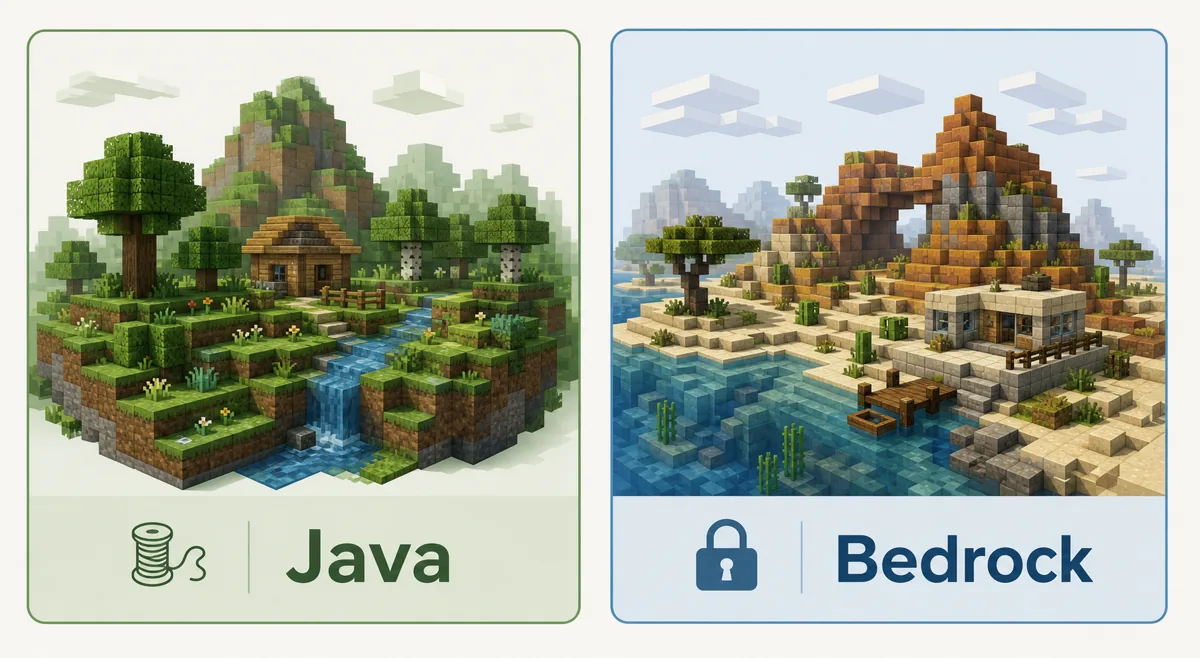
Bedrock seed options compared
Search intent usually mixes four separate tasks. Separate them before choosing a method.
| Goal | Best fit | Works for Bedrock? | Important limit |
|---|---|---|---|
| View your own world seed | World settings, export, or Realm download | Yes | Requires owner access to the world or Realm |
| Find a private server seed as a normal player | Ask the owner or staff | Only with permission | No website can derive it from an IP alone |
| Use SeedCrackerX | Official Fabric Java workflow | No | Official releases are Java/Fabric, not Bedrock add-ons |
| Check terrain after you know the seed | Bedrock local world or seed map | Yes | Map data can differ by edition and version |
| Convert a Java recovery guide to Bedrock | Do not assume it transfers | No | Generation rules and client modding environments differ |
Why SeedCrackerX does not run on Bedrock
The barrier is not a missing download button. It is an edition and loader boundary.
Official SeedCrackerX assets are published by 19MisterX98 as Minecraft Java Edition Fabric mod JARs. The current official release check on October 14, 2026 found prerelease seedcrackerX-2.16.2.jar for Minecraft 26.3 and stable seedcrackerX-2.16.0.jar for Minecraft 26.1 through 26.1.2 on the official GitHub releases page. Those files are not Bedrock behavior packs, console add-ons, or mobile packages.
Bedrock uses a different runtime, package model, networking stack, and world-generation implementation. It also runs on locked-down platforms where arbitrary Java client mods cannot be loaded. Renaming a JAR, placing it beside a Bedrock world, or downloading a mirror with Bedrock in the title does not translate Fabric commands, mixins, chunk observations, or Java seedfinding logic.
This is why a Java server seed guide can still be useful for understanding concepts while remaining the wrong implementation for Bedrock. The question is not only whether there is a seed, but whether this client can legally observe enough edition-specific generation data to recover it. For Bedrock, the answer for official SeedCrackerX is no.
Legitimate ways to get a Bedrock world seed
Start with authority over the world. Bedrock makes owner-controlled paths much more reliable than outside recovery claims.
If you created the world, open the world settings and record the seed shown there. Keep the exact edition and version with the number, because Bedrock generation can change over time.
A Realm owner can download the world through Realm management and inspect or open the local copy. A member cannot gain the seed merely by joining the Realm. On platforms that support world export, save a copy and keep it with the date.
If the world belongs to a server, ask the owner and explain the reason. A community may share a public seed for events, survival planning, or world recreation, while still refusing private base or economy disclosure.
- Do not publish a private server seed without approval.
- Record edition, Minecraft version, world name, and check date.
- Keep screenshots or notes showing where the seed came from when the owner permits sharing.
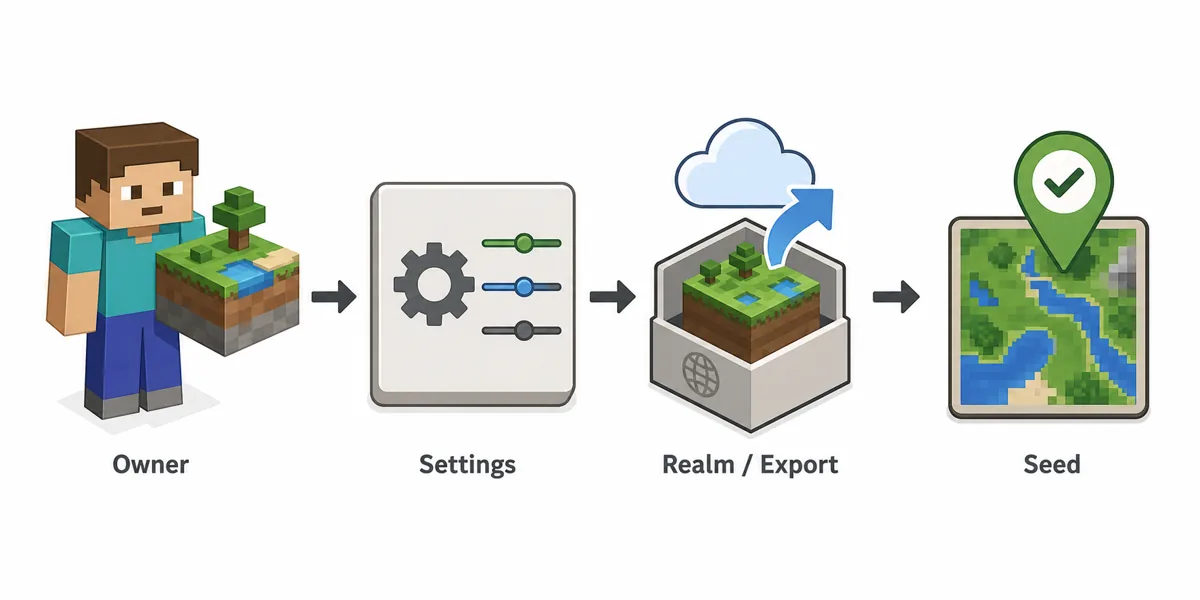
What seed maps can and cannot do
A map viewer helps after the seed is known; it is not a remote seed cracking service.
Seed map tools can show likely structures, biomes, and landmarks when you enter a known seed, edition, and version. That makes them useful for verification: create or open a local Bedrock world with the same seed, compare several visible landmarks, and check whether the expected features match.
The same numeric seed may not produce the same layout in Java and Bedrock, and even Bedrock results can vary across versions or experimental generation settings. If a map viewer asks for edition and version, fill those fields carefully. If it only supports Java, do not use its output to judge a Bedrock world.
For private servers, a map viewer does not remove the need for permission. It can make a known public seed easier to use, but it does not reveal the seed from a server address.
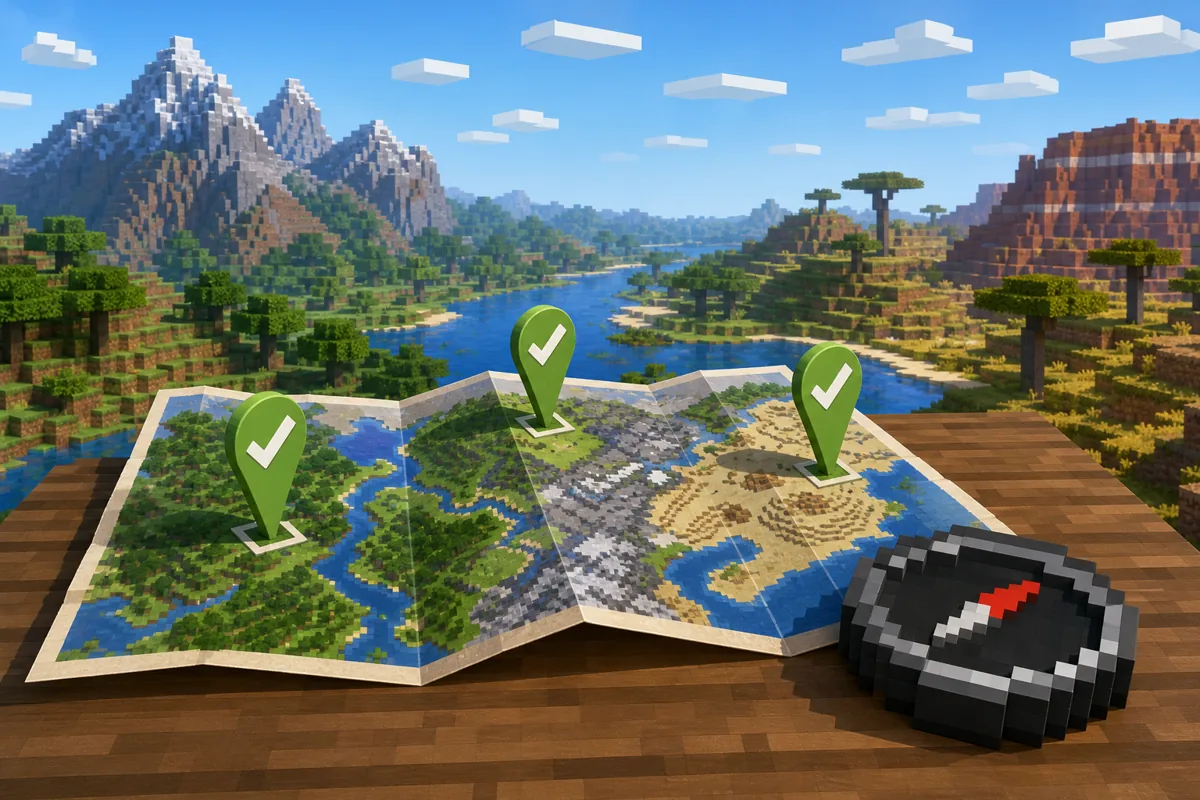
Common search traps around Bedrock seed cracking
The confusing results usually come from mixing words that belong to different ecosystems.
SeedCrackerX Bedrock download. This phrase usually indicates a mismatch. Use the loader and edition compatibility checker before trusting a download page.
Minecraft seed cracker. This can mean Java SeedCrackerX, a seed map, a video tutorial, a structure finder, or a generic world seed article. Read the page goal before downloading anything.
bedrock seed cracker. This usually asks whether a Java recovery mod can run on Bedrock. The answer for official SeedCrackerX is no; use an owner-controlled Bedrock path or verify a seed you already know.
seed cracker Minecraft Bedrock. This query does not turn a browser into a Bedrock client. Check the edition, platform, data access, and permission boundary before trusting a claimed tool.
Bedrock server seed finder. For an owner, this can be a settings/export question. For a normal player, it is a permission question first and a technical question second.
Chunkbase or map tools. These are best understood as known-seed viewers. They can help verify or plan around a seed; they are not official proof of a hidden server seed.
When the Java SeedCrackerX workflow is still relevant
If the server is Java Edition and the owner permits recovery, use the Java path instead of this Bedrock guide.
On an authorized Java server, SeedCrackerX can observe supported structures and world-generation details from the client side. Start with the verified version finder, install the matching Fabric build, then follow the SeedCrackerX setup guide. Use the command finder to inspect progress and the structure bit calculator to plan observations.
That workflow depends on the Java client, Fabric loader, version-specific structure rules, and enough independent data. It should not be advertised as a Bedrock, Forge, NeoForge, console, or mobile solution. A clean page boundary helps users choose the right method and avoids unsafe downloads.
Before you trust any Bedrock seed result
Use this checklist to avoid false positives and risky downloads.
- Confirm whether the world is Bedrock Edition or Java Edition before using any guide.
- Confirm whether you are the owner, an operator, a Realm owner, or a normal player.
- Do not install Java Fabric JARs into a Bedrock client or console environment.
- Do not accept safe, official, or latest claims without a maintainer source.
- Verify a known seed with multiple coordinates, not one landmark.
- Keep private server seeds private unless the owner approves publication.