
Is SeedCrackerX on Modrinth?
Treat Modrinth search results as unverified unless they clearly match the maintainer, repository, release history, filename, and Minecraft version you expect.
The practical answer is cautious: use the official 19MisterX98 GitHub releases for SeedCrackerX downloads. A October 14, 2026 check of the Modrinth search API for “SeedCrackerX” returned no matching project, so this guide does not recommend a Modrinth page as the official source.
That does not mean every Modrinth result for seed tools is malicious. It means the search intent is risky: people often want a convenient mod-hosting page, while the verifiable SeedCrackerX release assets live in GitHub tags. If you see a page that claims to be SeedCrackerX on Modrinth, compare it against the maintainer repository before downloading.
For most users, the shortest path is to open the SeedCrackerX version finder, select your Minecraft Java version, confirm the displayed file name, and then continue to GitHub after the verification delay.
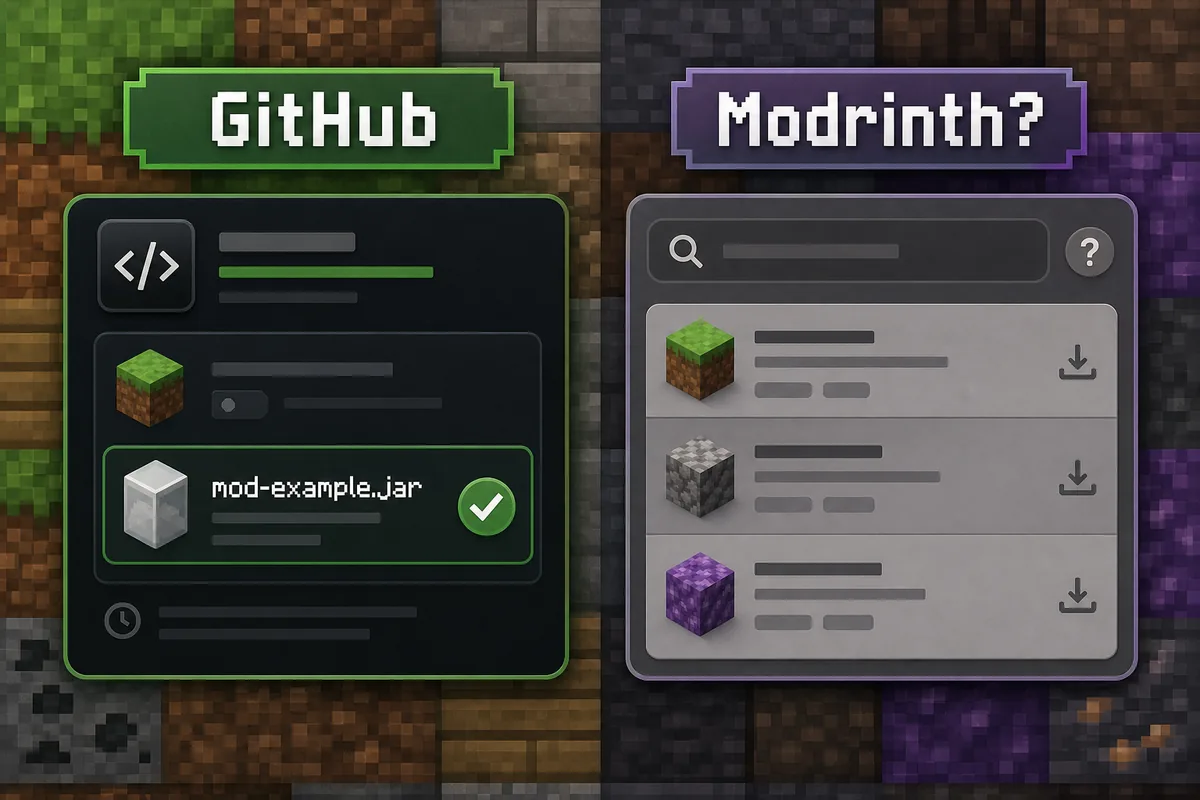
GitHub release vs Modrinth result: what each one proves
A mod-hosting result can help discovery, but only the maintainer release record proves which file SeedCrackerX published for a Minecraft version.
Use Modrinth search as a lead, not as final proof. A trustworthy page should still identify the maintainer, link the source repository, show a matching version history, and provide files that agree with the official GitHub release assets.
The table below separates discovery signals from verification evidence so you can decide whether to download, keep researching, or leave the page.
| What you are looking at | What it proves | Best next step |
|---|---|---|
| Official GitHub release | Maintainer tag, publish date, asset name, and downloadable JAR are visible together | Use the version finder and open the matching GitHub asset |
| Modrinth search result | Only that a matching or similar keyword appears on Modrinth | Open cautiously and compare maintainer/source details |
| Third-party mirror or blog | Usually only that someone republished a file or description | Avoid unless it points back to the exact official release |
| Different seed-related mod | A separate project may be useful but is not SeedCrackerX | Evaluate it as a different mod, not as a replacement |
How to verify a SeedCrackerX download source
Before you move any JAR into a mods folder, confirm that the page can be tied back to the maintainer release record.
1. Maintainer identity. The page should point to the 19MisterX98/SeedcrackerX project or be clearly maintained by the same project owner. A copied description, copied icon, or search-optimized title is not enough.
2. Release tag and filename. The current official assets are attached to GitHub releases. As checked October 14, 2026, the prerelease channel publishes seedcrackerX-2.16.2.jar for Minecraft 26.3, while the newest numbered stable release is seedcrackerX-2.16.0.jar for Minecraft 26.1 through 26.1.2.
3. Minecraft version boundary. SeedCrackerX is version-sensitive. A page that presents one file as compatible with every Java, Forge, NeoForge, Bedrock, or mobile environment is mixing incompatible platforms.
4. File size and publish date. Compare the file name, release date, and approximate size shown by GitHub before trusting a mirror. The 2.16.2 prerelease asset is about 2.60 MiB, and the 2.16.0 stable asset is about 2.57 MiB. Treat mismatches as a reason to stop.
5. Install behavior. A real Fabric client mod belongs in the Fabric instance's mods folder and should register /seedcracker gui. It should not require an installer EXE, browser extension, launcher account, or unrelated bundled archive.
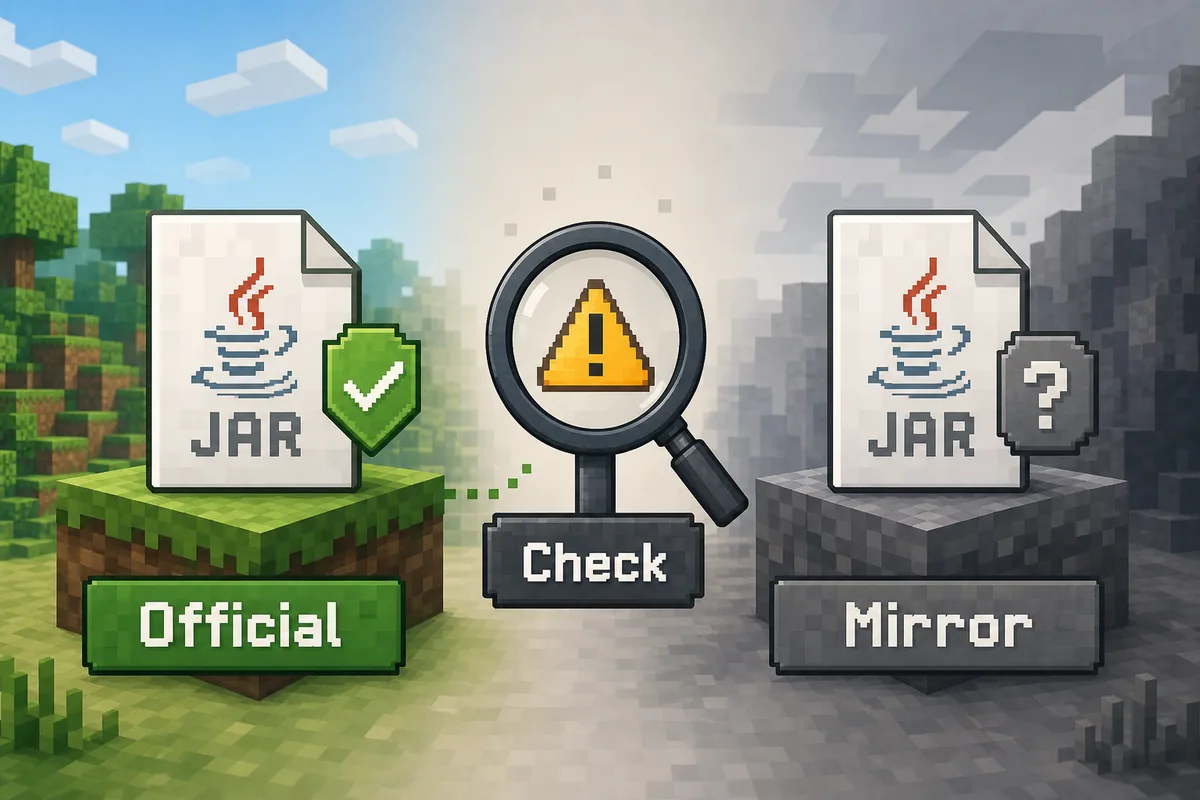
What to do if Modrinth shows a similar seed tool
A similar name is not automatically the same mod, and a useful project is not automatically an official SeedCrackerX build.
Open the project page and look for the source repository, owner name, license, supported loader, and changelog. If it links to a different repository or describes a different feature set, treat it as a separate mod. If it provides a file that claims to be SeedCrackerX but does not match the GitHub release asset, do not install it as a replacement.
Also check whether the page is a library, a data pack, a seed map, a world previewer, or a different seed-cracking utility. Search engines can blend all of those under “seed cracker” terms. Use precise anchors like SeedCrackerX Fabric, Forge, and Bedrock compatibility when the question is really about platform support.
If you need the mod itself, stay with official release assets. If you need a server seed method, use the Minecraft server seed guide instead. If you need commands after installation, use the SeedCrackerX commands list.
- Do not install a JAR from a page that hides the source repository.
- Do not assume Modrinth, CurseForge, SourceForge, or a download blog is official just because it ranks.
- Do not mix stable and prerelease JARs in the same launcher instance.
- Keep a separate Fabric test profile before joining a multiplayer server.
- Respect server rules; a client-side mod is not automatic permission.
Install from the official GitHub asset instead
Once the source is verified, the installation path is simple and does not require Modrinth.
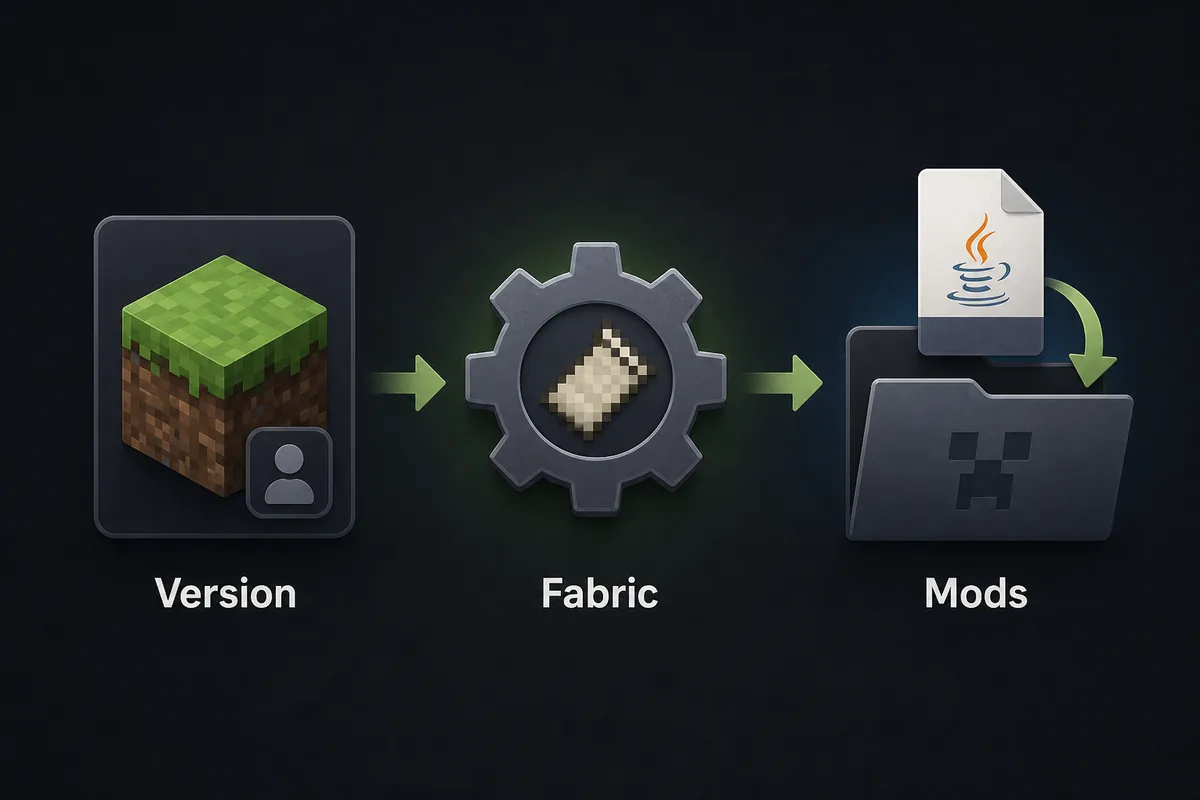
First, choose the Minecraft version in the version finder. Minecraft 26.3 currently maps to the 2.16.2 prerelease channel, while Minecraft 26.1 through 26.1.2 maps to stable 2.16.0. Older Minecraft 1.21.x builds require their matching older tags. Do not upgrade only the JAR while leaving the launcher profile on a different game version.
Second, install Fabric Loader for the same Minecraft version. Open that exact launcher instance, create a mods folder if needed, and move the downloaded seedcrackerX-*.jar file into it without extracting or renaming the file.
Third, launch a permitted test world and run /seedcracker gui. If the command is unknown, inspect the Fabric log, active instance path, Minecraft range, and duplicate JARs before collecting any structure data.
Latest verified version facts for this guide
Latest does not mean universally compatible. Always pair the mod release with the Minecraft version that generated the chunks you will analyze.
Official source checked: GitHub releases for 19MisterX98/SeedcrackerX on October 14, 2026. The newest published asset is the prerelease seedcrackerX-2.16.2.jar, published September 29, 2026, for the Minecraft 26.3 line. The newest numbered stable release remains seedcrackerX-2.16.0.jar, published March 26, 2026, for Minecraft 26.1 through 26.1.2.
Because this is a download-source guide, the recommended action is not “download the latest file.” The correct action is “download the file that matches your launcher profile and the world-generation version.” This is especially important for long-running servers with chunks generated under older versions.
| Minecraft line | SeedCrackerX asset | Channel | Verified source |
|---|---|---|---|
| 26.3 | seedcrackerX-2.16.2.jar | Prerelease, published September 29, 2026 | GitHub prerelease tag |
| 26.2 | seedcrackerX-2.16.1.jar | Prerelease, published July 12, 2026 | GitHub prerelease tag |
| 26.3 | seedcrackerX-2.16.2.jar | Prerelease, published September 29, 2026 | GitHub prerelease tag |
| 26.1-26.1.2 | seedcrackerX-2.16.0.jar | Stable, published March 26, 2026 | GitHub 2.16.0 tag |
| 1.21.11 | seedcrackerX-2.15.6.jar | Stable, published December 16, 2025 | GitHub 2.15.6 tag |