
Seed cracker 1.21.1 uses SeedCrackerX 2.15.0
The Minecraft version and mod version are different numbers: Minecraft 1.21-1.21.1 maps to SeedCrackerX 2.15.0.
Select Minecraft 1.21-1.21.1 in the version finder above. The expected file is seedcrackerX-2.15.0.jar, attached to the official 19MisterX98/SeedcrackerX 2.15.0 release. The release is named 1.21-1.21.1, so users on either patch share the same stable JAR.
Do not replace it with 2.15.6 merely because that number is higher. Version 2.15.6 targets Minecraft 1.21.11, while 2.16.0 targets the later Minecraft 26.1 line. SeedCrackerX reads version-specific client classes and models version-specific world generation. A JAR for another game release may fail at launch or, more subtly, apply the wrong structure rules to collected data.
The download CTA uses the stable GitHub release URL rather than a copied mirror or a temporary CDN address. On July 29, 2026, GitHub metadata reported 2,560,311 bytes and application/octet-stream; a ranged request to the release asset returned HTTP 206. These checks confirm the file endpoint and size, but they are not a malware guarantee or permission to use the mod on every server.
| Field | Verified value | Why it matters |
|---|---|---|
| Minecraft | 1.21-1.21.1 | The launcher profile and generated chunks must match this line |
| SeedCrackerX | 2.15.0 stable | This is the official release mapped to 1.21 and 1.21.1 |
| Official file | seedcrackerX-2.15.0.jar | Reject renamed EXE, ZIP, installer, or unrelated JAR files |
| Published | September 12, 2024 | Use the release date to distinguish copied listings |
| Size | 2,560,311 bytes | Compare against GitHub asset metadata before installing |
| Loader | Fabric | There is no official Forge or NeoForge 2.15.0 artifact |
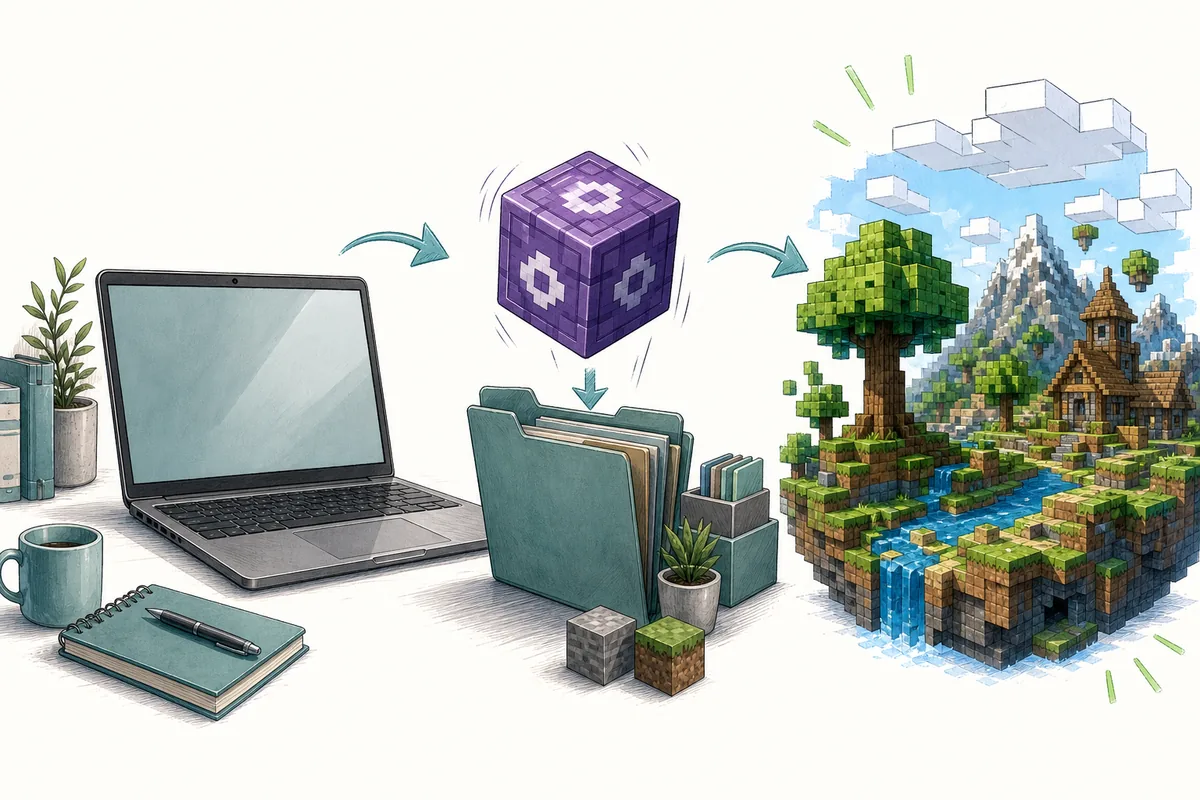
Download and install the official 1.21.1 JAR
Keep the file in one dedicated Fabric instance so another launcher profile cannot silently load it.
First confirm the exact game version in your launcher installation settings. Create a separate Minecraft Java 1.21.1 profile and install a compatible Fabric Loader for that profile. Open the profile's real game directory rather than assuming every launcher uses %appdata%/.minecraft; Prism Launcher, MultiMC, Modrinth App, and custom installations normally keep independent instance folders.
Use the version finder above or open the official GitHub release and choose the asset named seedcrackerX-2.15.0.jar. The permanent source URL is the GitHub 2.15.0 release asset. GitHub redirects that stable address to its current file host; do not copy the expiring signed destination URL from the browser address bar.
Move the unopened JAR into the active instance's mods directory. Remove old SeedCrackerX builds from the same folder, then launch the Fabric profile. Run /seedcracker gui in a permitted test world. If the command appears, the client loaded the mod; if it does not, stop before collecting data and inspect the launcher log for a loader, Java, dependency, or game-version error.
- Choose Minecraft 1.21 or 1.21.1 in the tool and confirm SeedCrackerX 2.15.0.
- Install Fabric Loader in the same launcher instance before adding the JAR.
- Place one unmodified seedcrackerX-2.15.0.jar file in that instance's mods folder.
- Remove 2.15.6, 2.16.x, and duplicate SeedCrackerX files from the profile.
- Launch a permitted local world first and verify /seedcracker gui before multiplayer use.
Why 1.21.1 and 1.21.11 need different SeedCrackerX builds
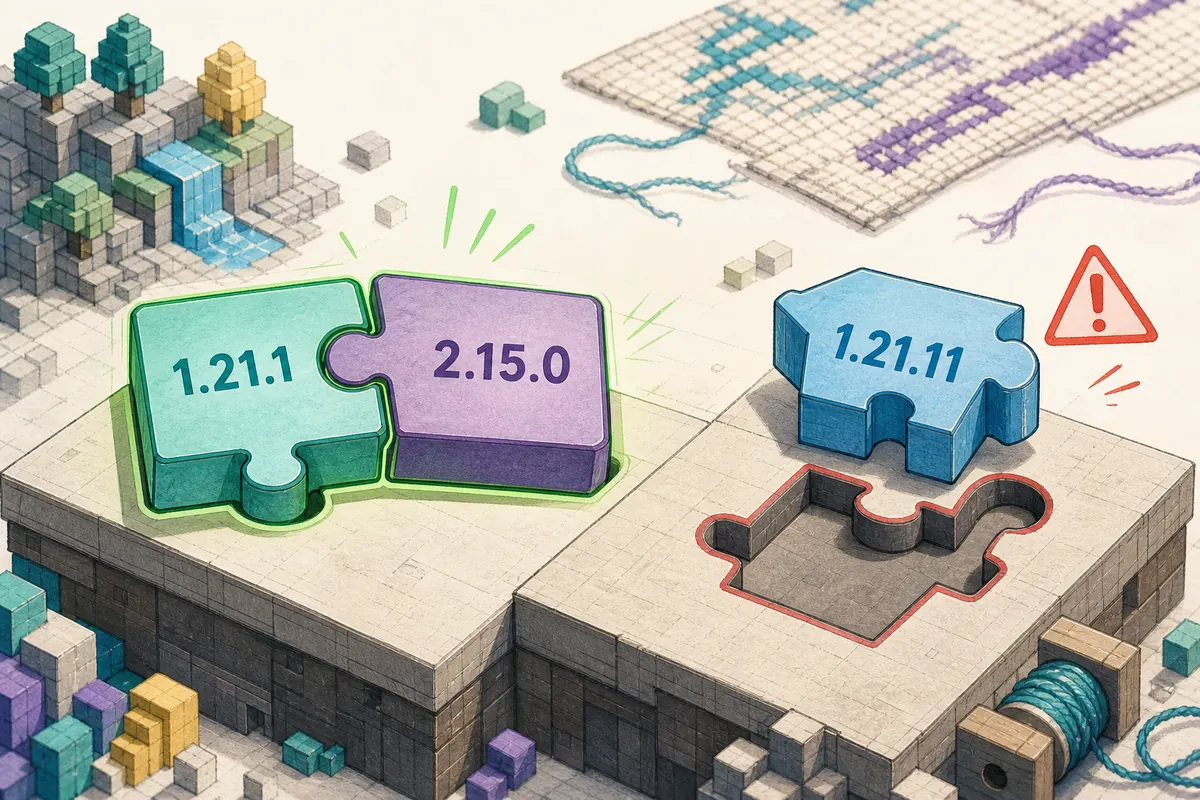
The extra digit is not cosmetic: 1.21.1 and 1.21.11 are separate Minecraft releases with separate official mappings.
Minecraft 1.21.1 belongs to the 2.15.0 release. Minecraft 1.21.11 belongs to the later 2.15.6 release. Search results and launcher menus can make those versions easy to confuse, especially when fonts compress repeated digits. Read the full game version and the full JAR filename before clicking the final download button.
A newer mod build is not a universal upgrade. Minecraft internals, mappings, structures, decorators, biome behavior, and client network data can change between releases. Seed recovery depends on those rules. Even when a mismatched mod starts, data collected under an incorrect generation model can reduce to zero candidates and look like an observation problem rather than a compatibility problem.
Use the SeedCrackerX 1.21.11 guide only if your launcher truly runs 1.21.11. For Minecraft 1.21.1, stay on 2.15.0. If a multiplayer server has upgraded over time, ask which version generated the chunks you are observing; the client protocol version alone does not rewrite old world generation.
Verify SeedCrackerX before collecting structures
A successful launch proves only that the mod loaded; validate the configured world version and finder state next.
Open /seedcracker gui and confirm that the world-generation setting corresponds to Minecraft 1.21 or 1.21.1. Enable only the finders you understand, then explore newly loaded chunks in a local or authorized world. Use /seedcracker data bits to inspect normal and liftable progress, and use the structure bit calculator to plan observations without pretending that every structure contributes the same amount.
SeedCrackerX can recognize supported structures, End pillar information, some decorators, biome samples, and other client-visible evidence. It does not derive a private server seed from an IP address alone. The client must receive relevant chunks and data, the selected version model must match, and enough compatible evidence must be collected. The browser page cannot replace that in-game observation process.
Start with a fresh data set for the correct world. Restoring structure coordinates from another server, an old world reset, or chunks generated under a different version can create mutually incompatible constraints. When a search returns no candidates, validate each observation and the generation history before collecting dozens more structures. Quality and consistency matter more than a fixed structure count.
Fix common SeedCrackerX 1.21.1 errors
Classify the failure as loading, command registration, detection, or candidate reduction before changing files.
If Minecraft stops during startup, confirm the profile says 1.21 or 1.21.1, the file says 2.15.0, Fabric Loader is active, and only one SeedCrackerX JAR exists. Check the latest log for an explicit incompatible version or missing dependency message. Renaming a newer JAR to 2.15.0 does not change its compiled compatibility.
If the game launches but /seedcracker gui is unknown, the mod did not register. Verify that the JAR is in the active instance rather than a neighboring profile. If commands work but structures are not detected, review enabled finders, dimensions, chunk loading, template support, and the configured generation version. Reloading finders cannot repair a wrong JAR.
If normal or liftable bits increase but the search returns no seed, inspect false detections, mixed-world records, old chunk generation, restored data, and End pillar information. Clear invalid observations only after identifying the mismatch. For reproducible help, record Minecraft 1.21.1, SeedCrackerX 2.15.0, Fabric Loader, the exact failing command, and relevant log lines, then search the official GitHub issues instead of downloading a mirror replacement.
Use the official source and respect server rules
Open-source availability does not make every repack official or every multiplayer use acceptable.
The maintained source and release assets are under 19MisterX98/SeedcrackerX on GitHub. A page may copy the name, version table, or description without being the maintainer's distribution. Prefer the exact release tag and asset. Treat EXE installers, bundled launchers, renamed archives, and pages claiming one file works on Fabric, Forge, NeoForge, Java, and Bedrock as separate unverified claims.
Server policies vary. Some owners allow seed recovery for administration, testing, speedrunning practice, or research; others prohibit client mods or treat the seed as private information. Ask before using the workflow on a server you do not control. Do not use the page or mod to bypass access controls, evade moderation, or publish a private world's seed without permission.
This guide verifies public release metadata and installation boundaries. It does not certify a file as risk-free, guarantee a recovered result, or override Mojang, server, community, or event rules. Back up launcher settings and worlds you control before changing mods, and keep research profiles separate from important saves.
Seed cracker 1.21.1 setup summary
The reliable path is a precise version match, official asset, isolated Fabric profile, and permission-first test.
For Minecraft Java 1.21 or 1.21.1, use SeedCrackerX 2.15.0 and the official seedcrackerX-2.15.0.jar. Confirm the 2,560,311-byte GitHub asset, install it once in the correct Fabric instance, and test command registration before collecting observations. Keep 1.21.11 and 26.x builds out of this profile.
After the mod loads, verify the world-generation version, collect only authorized and consistent evidence, and troubleshoot the failing stage rather than replacing the JAR at random. Use the complete SeedCrackerX usage guide for the collection workflow and the command finder for current command purposes.