
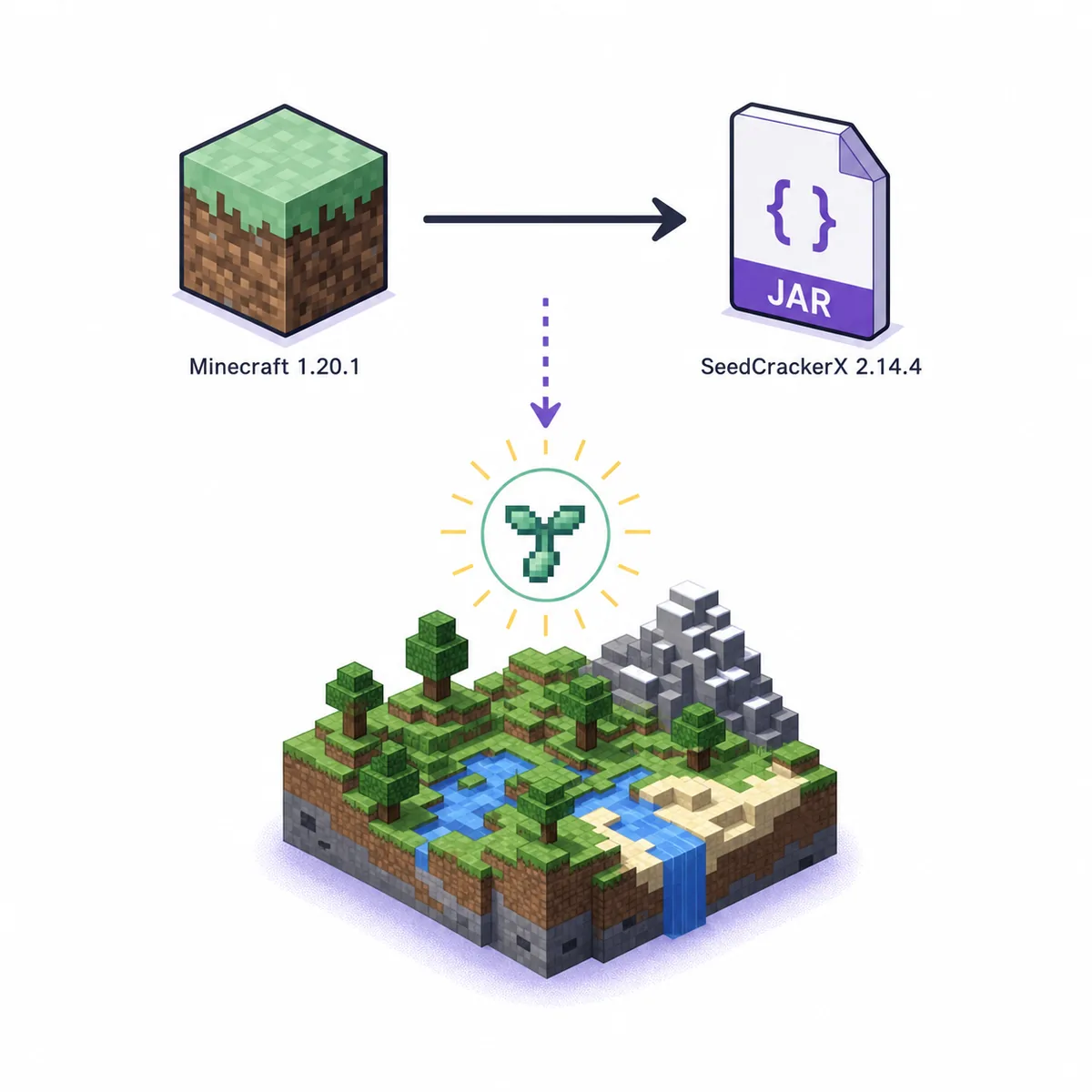
Minecraft 1.20.1 uses SeedCrackerX 2.14.4
The game version and mod version are separate numbers, so a larger mod number is not automatically a better match.
For Minecraft Java 1.20 or 1.20.1, the official SeedCrackerX version table maps the game to stable release 2.14.4. The release is named 1.20-1.20.1, which is why the same JAR covers both patch versions. Select the 1.20-1.20.1 option in the version finder above when you want to verify the asset before installation.
The matching file is seedcrackerX-2.14.4.jar. GitHub release metadata reports 2,362,728 bytes and the asset is published as a Java archive. The permanent source is the official 2.14.4 release; this site links to the maintainer asset and does not host a mirror. Do not copy a temporary signed CDN URL from a browser address bar.
This is a compatibility answer, not a claim that 2.14.4 is the latest SeedCrackerX release overall. At the verification date, the newer stable 2.16.0 targets Minecraft 26.1-26.1.2 and the 2.16.1 prerelease targets 26.2. Using either newer build in a 1.20.1 profile can fail at launch or interpret world-generation data with the wrong rules.
| Field | Verified value | Why it matters |
|---|---|---|
| Minecraft | 1.20-1.20.1 | The launcher profile and generated chunks must match this range |
| SeedCrackerX | 2.14.4 stable | This is the official release mapped to 1.20 and 1.20.1 |
| Official file | seedcrackerX-2.14.4.jar | Reject renamed installers, archives, or unrelated JARs |
| Published | September 28, 2023 | Use the release date to distinguish copied listings |
| Size | 2,362,728 bytes | Compare the file metadata with the official asset |
| Loader | Fabric Loader 0.14.0+ | The maintainer publishes a Fabric client mod |
Verify the official SeedCrackerX 1.20.1 download
A filename that contains seedcracker does not prove that the file came from the maintainer.
The official repository README lists 1.20-1.20.1 beside version 2.14.4, and the release page contains one asset named seedcrackerX-2.14.4.jar. The verified direct URL is the GitHub 2.14.4 asset. If a download page points to SourceForge, a random file host, an EXE installer, or a ZIP with several JARs, treat that as a separate unverified distribution.
The release metadata and downloaded asset were checked on August 19, 2026. The API reported a Java archive and 2,362,728 bytes; the downloaded file had the same size and a valid ZIP/JAR header. Those checks confirm that the link and public release metadata agree. They are not a malware scan, a universal safety guarantee, or permission to use the mod on a server that prohibits client-side seed recovery.
Keep the permanent GitHub release URL in your notes instead of a short-lived storage URL. If the maintainer replaces an asset or publishes a correction, open the release page again and compare the tag, filename, size, and release notes before changing a working profile. The SeedCrackerX GitHub source guide explains the same source-check boundary in more detail.
- Confirm the release tag is 2.14.4 and the filename is seedcrackerX-2.14.4.jar.
- Compare the displayed file size with the official release metadata.
- Do not run an EXE, installer, renamed archive, or JAR from an unknown mirror.
- Keep the official release page and asset URL with the Minecraft version in your notes.
Install 2.14.4 in a Minecraft 1.20.1 Fabric profile
Use one isolated launcher instance so a different Minecraft version cannot silently load the wrong mod file.
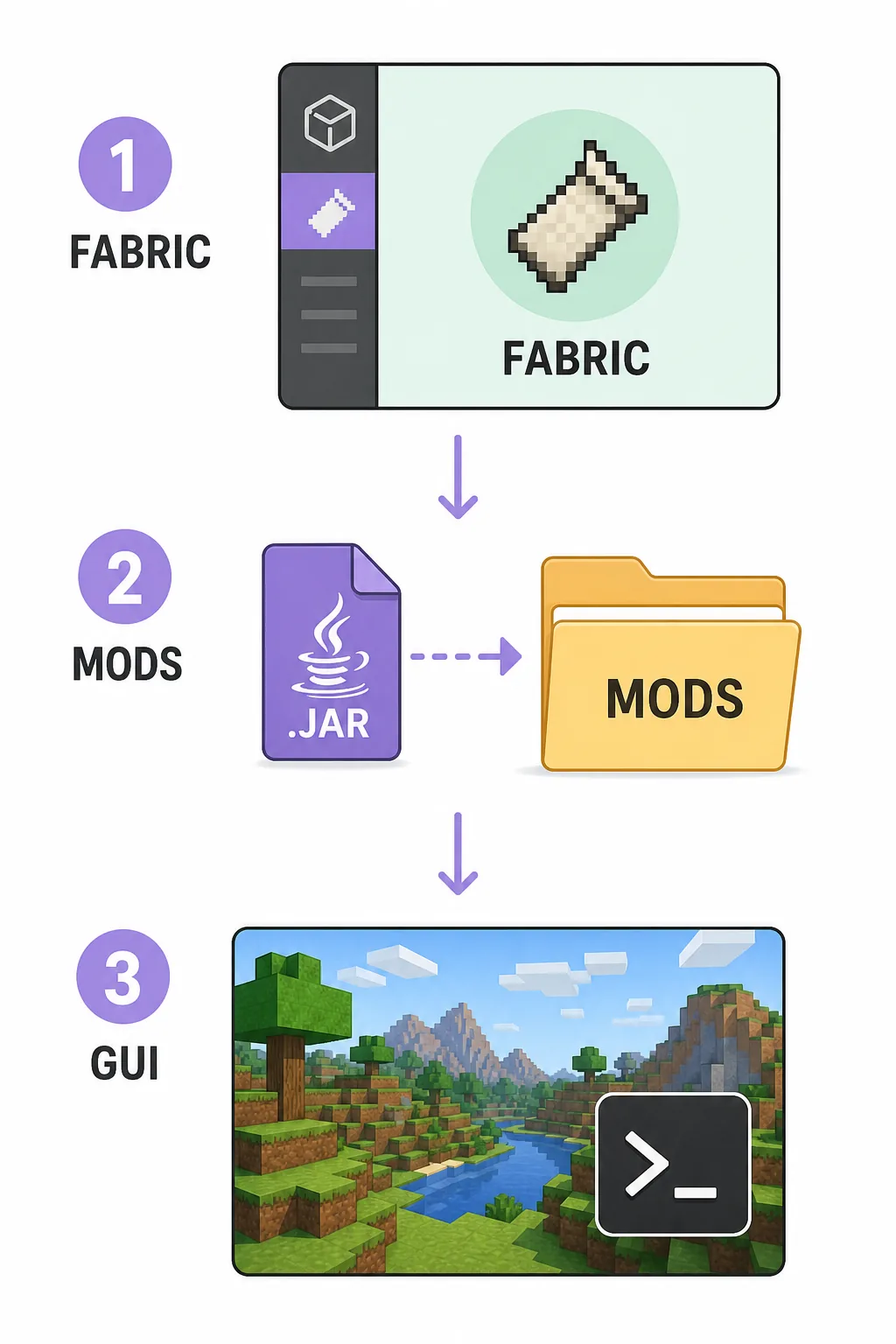
Create or select a Minecraft Java 1.20.1 installation, then install a compatible Fabric Loader in that same instance. The default launcher directory is often under %appdata%/.minecraft on Windows, but Prism Launcher, MultiMC, Modrinth App, and custom launchers usually keep separate instance folders. Open the instance settings or game directory shown by your launcher instead of guessing.
Download seedcrackerX-2.14.4.jar from the official release and place the unopened file in that instance's mods directory. Do not extract it or rename it to imitate another version. Remove duplicate SeedCrackerX files from the active folder, especially builds for 1.20.2, 1.20.4, 1.20.6, 1.21.x, or 26.x. Fabric identifies the mod by its internal ID, so different filenames can still create a duplicate-mod conflict.
Launch the Fabric profile in a local or otherwise authorized world and run /seedcracker gui. A visible command confirms that the client registered the mod; it does not yet prove that the configured world version or every finder is correct. The complete usage guide covers the collection workflow after this first launch check.
- Verify Minecraft 1.20.1 in the launcher profile.
- Use Fabric rather than Forge or NeoForge for the official build.
- Keep one unmodified 2.14.4 JAR in the active instance's mods folder.
- Test /seedcracker gui before collecting any structures.
- Keep old observations in a separate profile or clear them after a version change.
Match the world-generation version, not just the client version
A client can connect through a compatibility layer while the observed chunks still come from another generation version.
Open the SeedCrackerX GUI and set the modeled Minecraft version to the version that generated the structures you are examining. For a clean 1.20.1 test world, that normally means the 1.20-1.20.1 model and a consistent Fabric profile. On a server that has been upgraded, ask which release generated the target chunks. The version shown in a launcher or server list is not always the same as the historical generation context of an old region.
SeedCrackerX uses recognized structures and other client-visible world-generation evidence to reduce possible seeds. A shipwreck, desert pyramid, jungle temple, swamp hut, outpost, monument, or other supported structure is useful only when its coordinates and generation rules are compatible with the configured model. Explore newly loaded chunks, confirm the detection, and record the world version with the observation instead of mixing old notes from another server.
The structure-bit calculator is a planning aid, not an online seed cracker. It can help you think about normal and liftable progress, while /seedcracker data bits inside the mod remains the authoritative view of your current data. If candidate reduction fails, verify the version, dimension, chunk history, finder state, and observation quality before collecting a large number of additional structures.
| Situation | First check | Why |
|---|---|---|
| Fresh 1.20.1 local world | Set the 1.20-1.20.1 model | The test chunks share one generation context |
| Server upgraded over time | Ask which version generated the region | Old and new chunks can follow different rules |
| Protocol bridge or proxy | Separate connection version from generation version | A bridge does not rewrite old terrain |
| Restored data | Confirm the world and server before restoring | Coordinates from another world can be valid but incompatible |
Fix common SeedCrackerX 1.20.1 errors
Classify the failure as loading, command registration, detection, or candidate reduction before replacing files.
If Minecraft stops during startup, compare the profile, Fabric Loader, JAR filename, and active instance directory first. A 1.20.1 profile should load the official 2.14.4 build, not a 2.14.5 or 2.15.x file renamed to look older. Read the latest launcher log for an explicit incompatible Minecraft range, missing dependency, or duplicate mod ID. If the profile launches but /seedcracker gui is unknown, the mod is probably in the wrong instance or Fabric did not register it.
If the command works but no structures are detected, check that the relevant finder is enabled, the correct dimension is selected, chunks are loaded, and the structure is supported by this version's data. Rendering or outlines can help you inspect a detection, but visual confirmation alone is not proof of a valid constraint. If normal or liftable bits rise while the search returns zero candidates, investigate false detections, mixed-world records, the configured generation version, and copied coordinates before adding more data.
Do not fix a version error by downloading a random mirror or a page that promises one JAR for Fabric, Forge, NeoForge, Java, and Bedrock. Open the official GitHub issues with the exact Minecraft version, mod version, loader, failing command, and relevant log lines. Never include a private server address or world seed in a public bug report unless the owner has approved it.
| Symptom | Likely cause | Next check |
|---|---|---|
| Startup crash | Wrong game range or missing Fabric dependency | Confirm 1.20.1, Fabric, and 2.14.4 in the active instance |
| /seedcracker gui is unknown | Wrong folder, loader profile, or duplicate mod | Check the instance directory and launcher log |
| No structure detection | Finder, dimension, chunk, or template mismatch | Enable the intended finder and inspect newly loaded chunks |
| Zero seed candidates | Wrong version, false detection, or mixed-world data | Clear uncertain observations and recheck the generation model |
Do not substitute newer releases or other loaders
SeedCrackerX release numbers are tied to Minecraft internals, mappings, and world-generation rules.
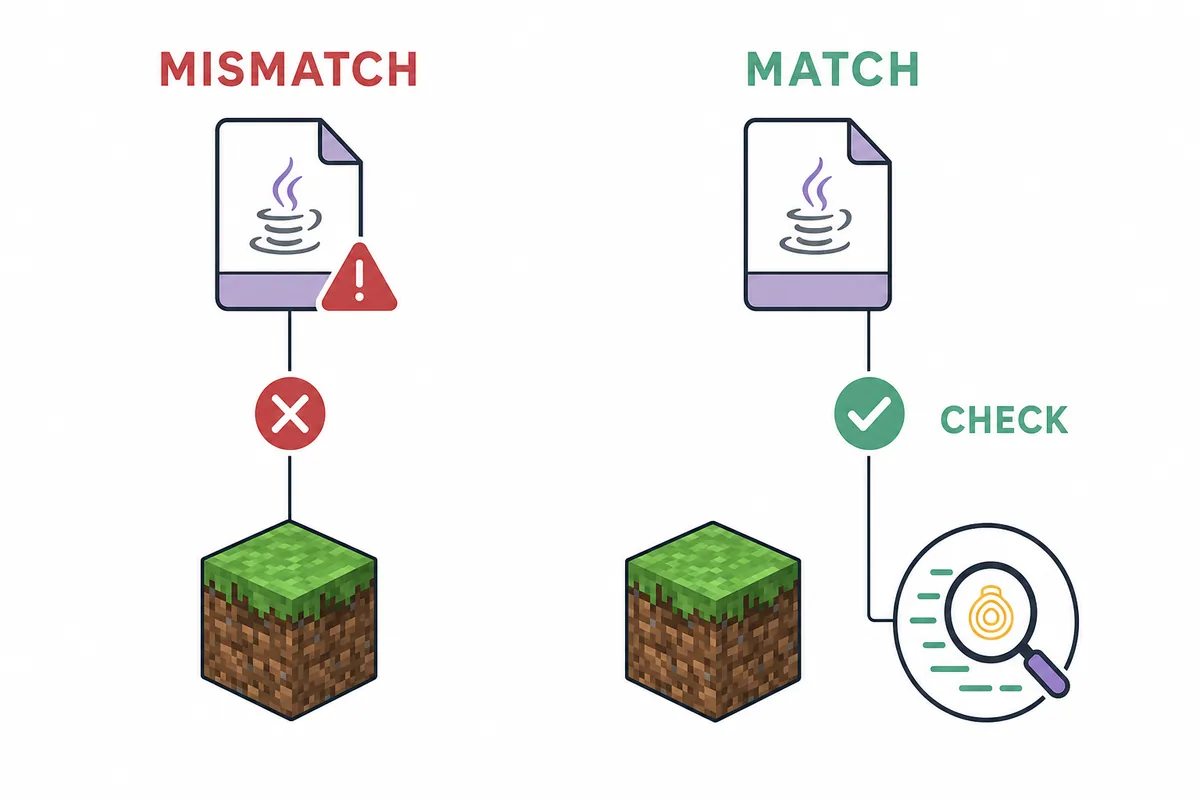
Minecraft 1.20.1 uses the 2.14.4 mapping in the official version table. Minecraft 1.20.2 uses 2.14.5, 1.20.4 uses 2.14.6, and 1.20.6 uses 2.14.7. Minecraft 1.21 and 1.21.1 use 2.15.0. These are separate compatibility targets, not a list where the newest number should replace every older number. If your launcher runs another release, use the version finder or the matching version guide instead.
The official repository publishes Fabric client builds. It does not turn the JAR into a Forge or NeoForge mod when you rename the file, and a Java Fabric mod cannot be installed as a Bedrock, console, or mobile add-on. Use the loader compatibility guide when a search result mixes these platforms. A page that claims universal compatibility is a reason to stop and verify the source, not a reason to try more files.
If you are using a modpack, keep a separate test instance for the 1.20.1 profile. Record the Minecraft version, Fabric Loader, SeedCrackerX filename, Java runtime, and any protocol bridge used to connect. That short record makes later diagnosis much easier and prevents a successful launch from being mistaken for a correct seed model.
- 1.20.1 -> SeedCrackerX 2.14.4
- 1.20.2 -> SeedCrackerX 2.14.5
- 1.20.4 -> SeedCrackerX 2.14.6
- 1.20.6 -> SeedCrackerX 2.14.7
- 1.21-1.21.1 -> SeedCrackerX 2.15.0
Use the mod only in an authorized world
Open-source code and a public download do not override a server owner's rules or make a private seed public.
SeedCrackerX observes data that the Minecraft Java client receives and uses supported structures or other evidence to narrow possible seeds. It does not read a private server filesystem from an IP address, and this web page cannot inspect chunks, packets, or login data. If you own the world, use the owner controls or a local copy where appropriate. If you are a player on someone else's server, ask before using a client mod or publishing a recovered seed.
Some communities allow seed recovery for administration, testing, speedrunning practice, or research; others prohibit it or treat the seed as private information. Keep the page's version guidance separate from the permission decision. A technically correct 2.14.4 installation can still be an unauthorized use if the world rules do not allow it.
This guide verifies public release metadata and explains a reproducible setup. It does not certify an external file as risk-free, promise that a seed will be recovered, or replace the official project documentation. For source history and release changes, use the official GitHub source guide and the maintainer's release or issue pages.
SeedCrackerX 1.20.1 setup summary
The reliable path is a precise version match, official asset, isolated Fabric profile, and permission-first test.
For Minecraft Java 1.20 or 1.20.1, use stable SeedCrackerX 2.14.4 and the official seedcrackerX-2.14.4.jar. Confirm the 2,362,728-byte GitHub asset, install it once in the correct Fabric instance, and test /seedcracker gui before collecting observations. Keep 2.14.5, 2.14.6, 2.15.x, and 2.16.x builds out of this profile unless you also change to their supported Minecraft versions.
After the mod loads, set the world-generation version, collect only authorized and consistent evidence, and troubleshoot the failing layer rather than replacing the JAR at random. Use the command finder for progress commands, the structure bit calculator for planning, and the version-specific pages for newer releases.